
Understanding Call Forwarding Options
Call forwarding is an essential feature that redirects your incoming calls to another phone number when you're unavailable, busy, or away from your primary device. Whether you're traveling for business, working remotely, or simply want to ensure you never miss important calls, learning how to set up call forwarding can significantly improve your communication efficiency.
Modern phones offer several call forwarding options to suit different needs:
- Immediate Call Forwarding: All incoming calls are instantly redirected to your chosen number without ringing your primary phone.
- Busy Call Forwarding: When your line is busy with another call, new callers are automatically forwarded to the designated number.
- No Answer Forwarding: If you don't answer within a specified number of rings, calls are redirected to your backup number.
- Unreachable Forwarding: When your phone is turned off or out of network coverage, calls are forwarded to ensure connectivity.
How to Set Up Call Forwarding
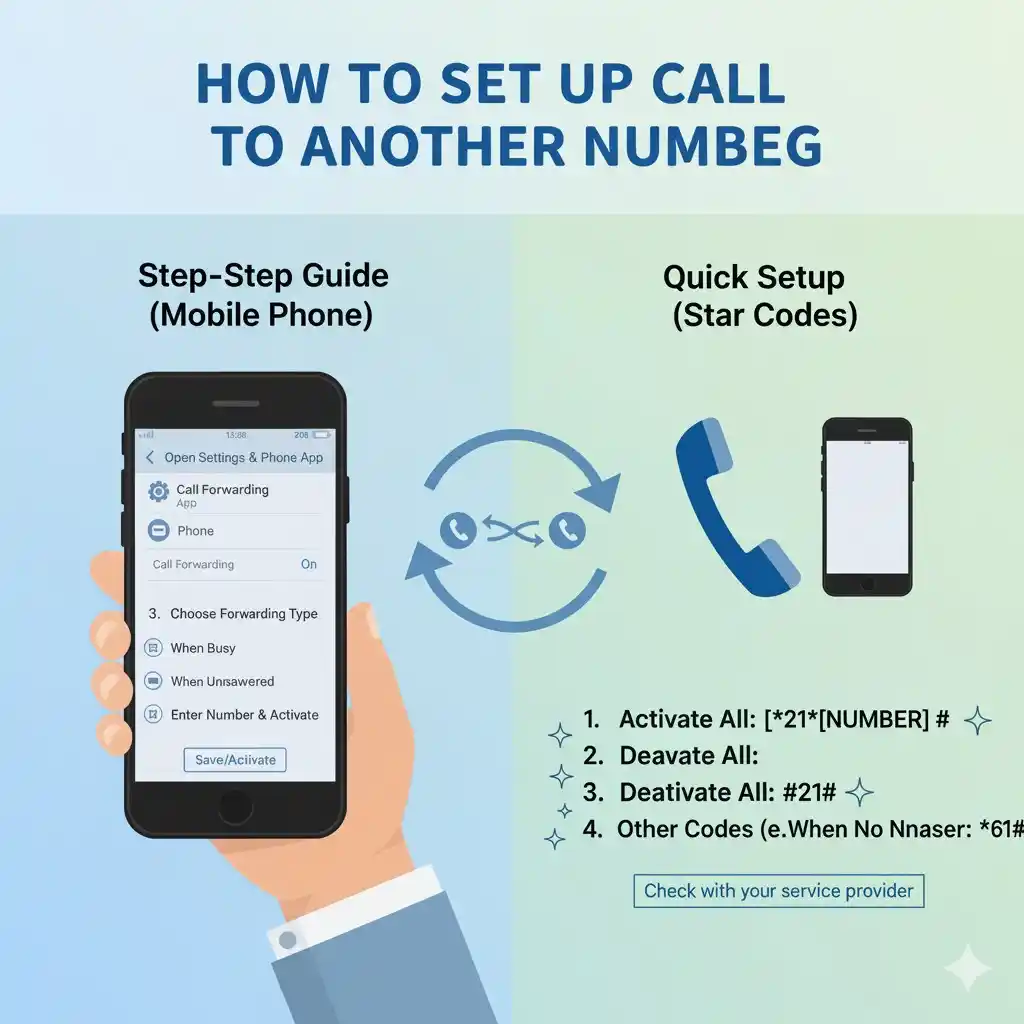
Method 1: Using Phone Codes
The quickest way to activate call forwarding is through your phone's dialer:
- Open your phone's dialer application.
- Enter the appropriate activation code (varies by carrier).
- Add the phone number where you want calls forwarded.
- Press the call button to activate.
Common activation codes include:
- *72 + phone number (for most carriers)
- *21* + phone number + # (GSM networks)
- 1 + area code + phone number (full 10-digit format)
Method 2: Through Phone Settings
Most smartphones allow you to turn on call forwarding through the settings menu:
- Navigate to Settings > Phone > Call Forwarding.
- Select your preferred forwarding option.
- Enter the number where calls should be redirected.
- Save your changes.
The system will confirm that call forwarding is active with a notification or status indicator.
Method 3: Carrier-Specific Methods
Contact your mobile carrier to set up call forwarding through their customer service or online portal. This method is particularly useful for complex forwarding scenarios or troubleshooting issues.
Verifying Call Forwarding Status
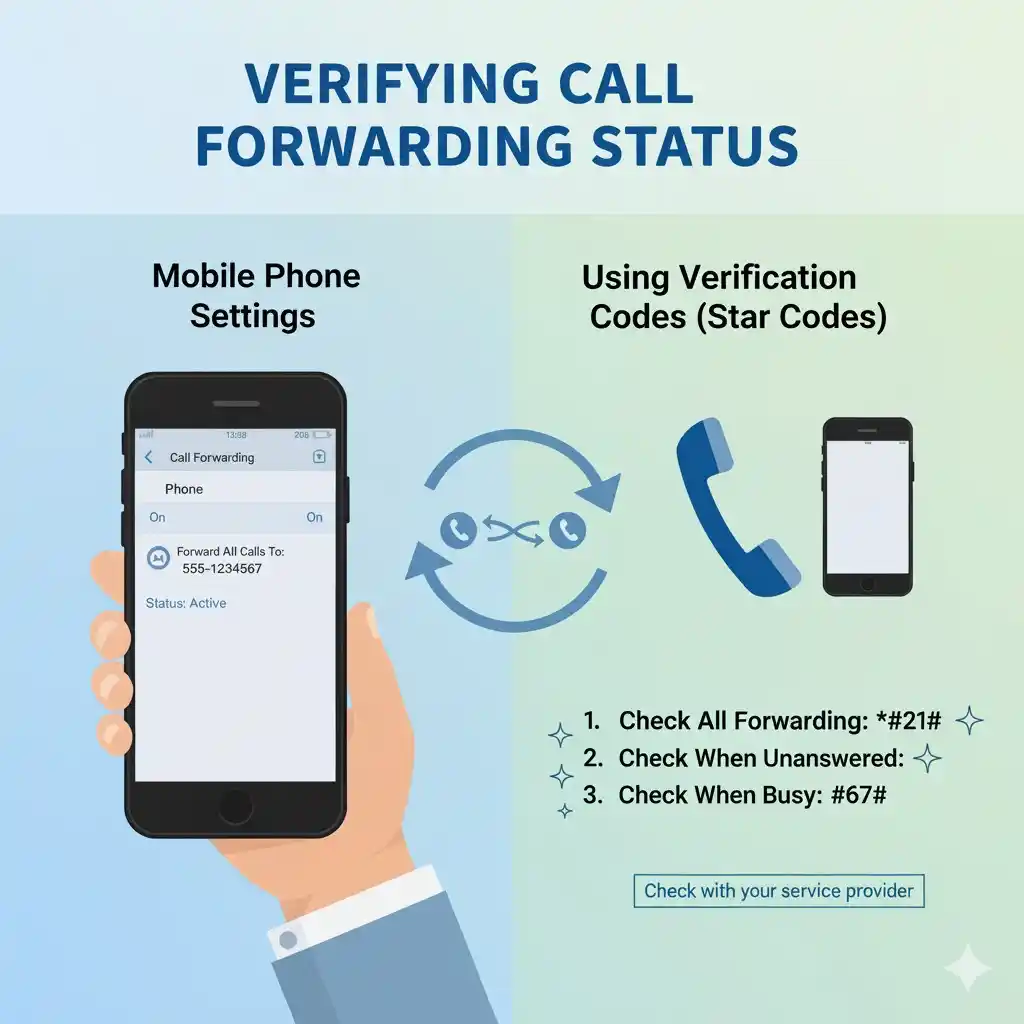
To confirm your call forwarding is working correctly:
- Check for a call forwarding icon in your status bar.
- Call your number from another phone to test the redirection.
- Review your phone's call forwarding settings.
- Verify the forwarded phone number is correct.
Deactivation Codes and Turning Off Call Forwarding
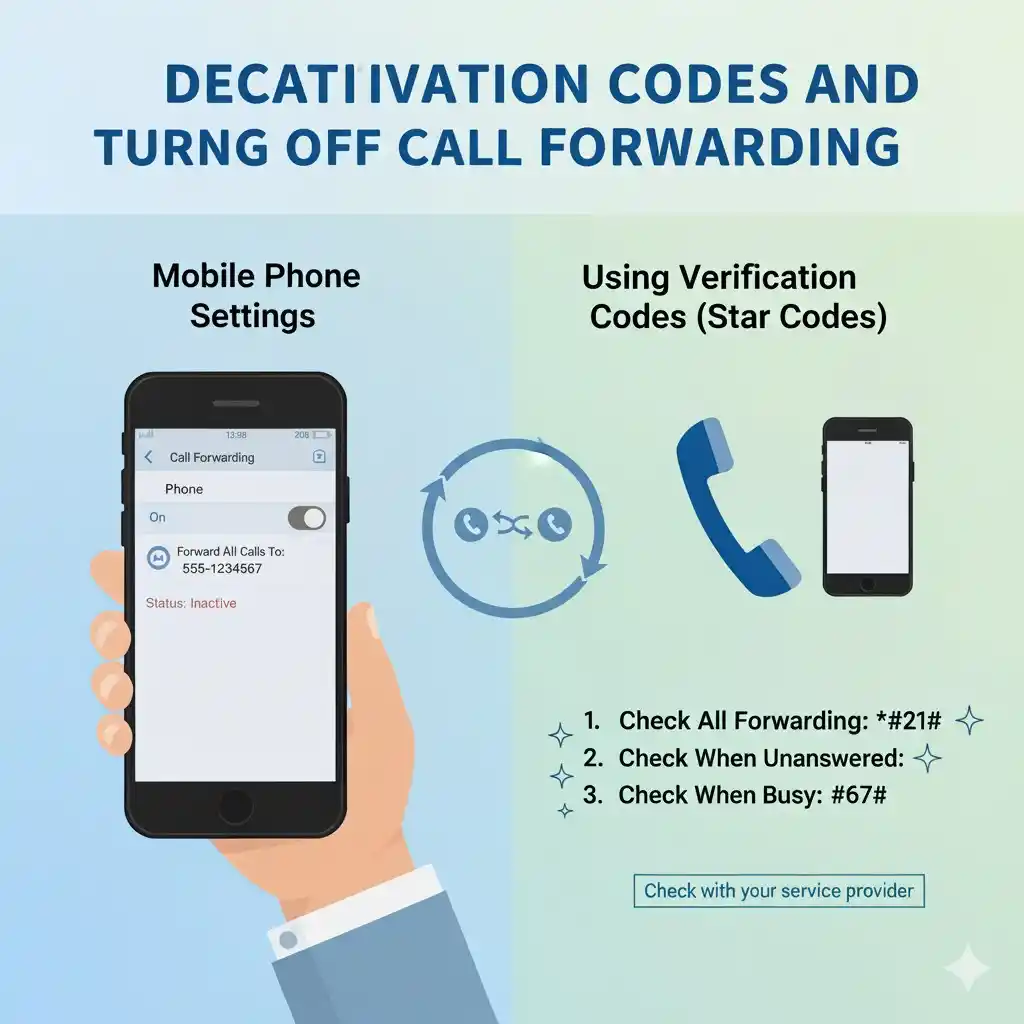
When you no longer need call forwarding, use these deactivation codes:
- Dial *73 (common deactivation code)
- Dial ##21# (for GSM networks)
- Go to Settings > Phone > Call Forwarding > Turn Off
Always verify that call forwarding has been successfully deactivated by calling your number to ensure incoming calls ring normally.
Troubleshooting Common Issues
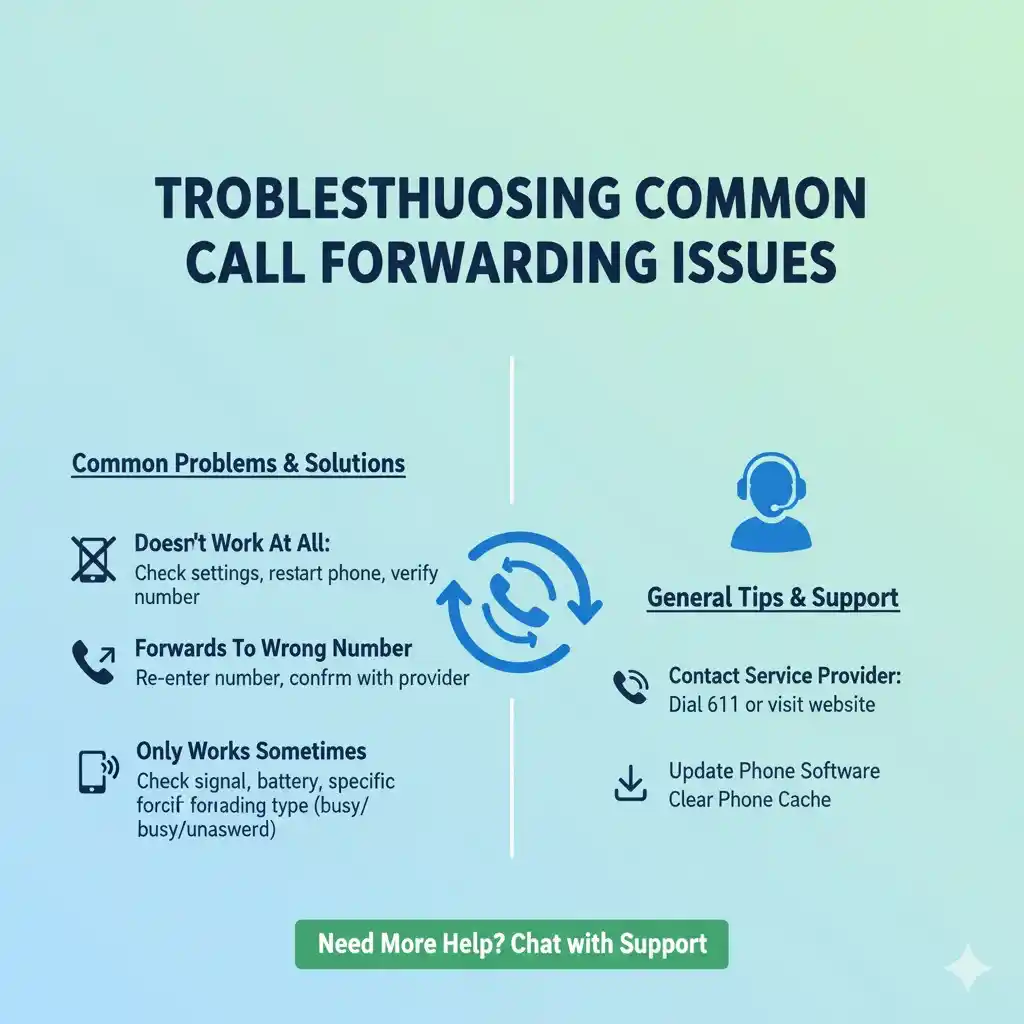
Calls Not Forwarding: Double-check the entered phone number format and ensure you've included the correct area code. Verify that call forwarding is active in your settings.
Partial Forwarding: If only some calls are being forwarded, review your forwarding options settings. You may have conditional forwarding enabled rather than immediate forwarding.
Line is Busy Errors: This typically occurs when the forwarding destination number is also busy or unavailable. Consider setting up multiple forwarding numbers or using voicemail as a backup.
Best Practices for Call Forwarding
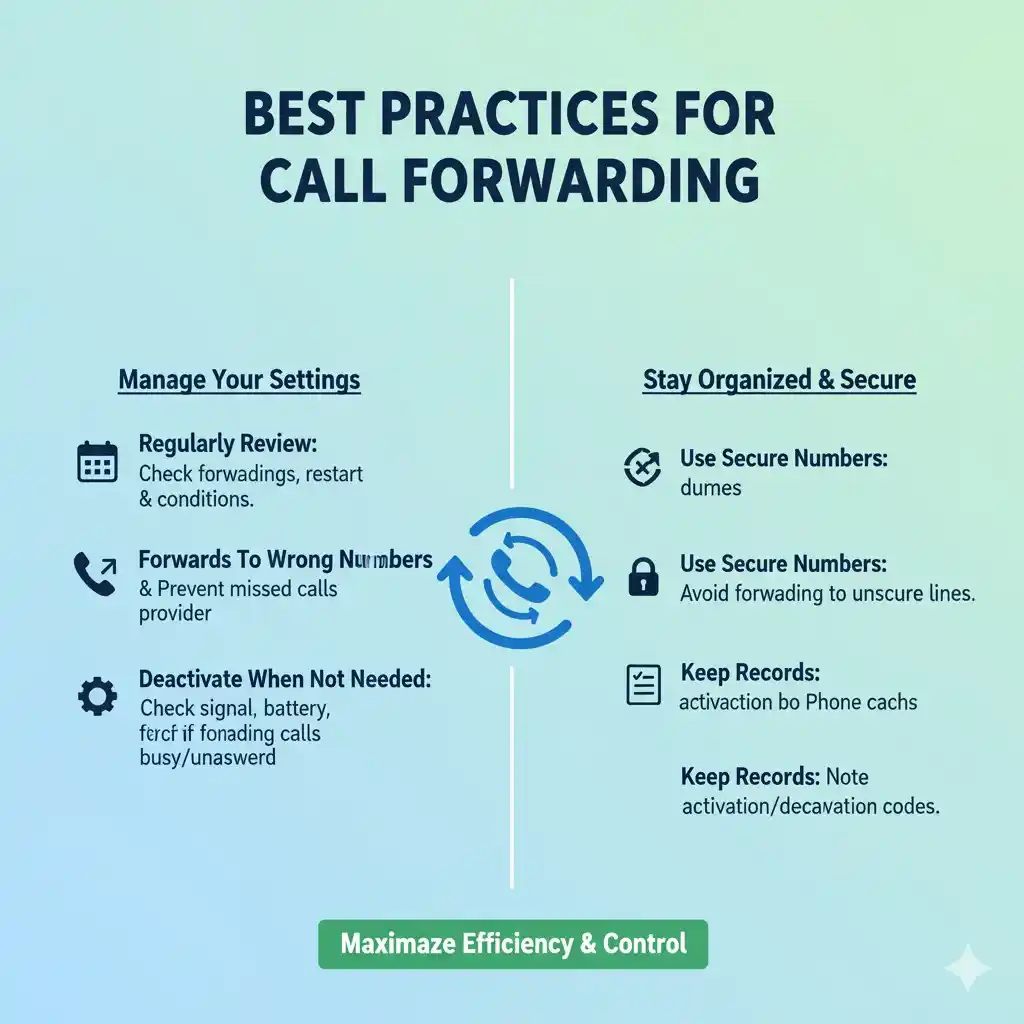
Choose a reliable phone number for forwarding that you regularly monitor. Test your call forwarding setup regularly to ensure it's working correctly. Be aware of potential additional charges from your carrier for forwarded calls, especially international numbers.
Consider using conditional call forwarding options that only activate when your line is busy or when you don't answer, rather than forwarding all calls immediately.
Conclusion
Setting up call forwarding is a straightforward process that can greatly enhance your communication accessibility. Whether you use phone codes, device settings, or carrier services, the key is choosing the right forwarding option for your specific needs. Regular testing and proper deactivation when no longer needed will ensure your call forwarding works seamlessly when you need it most.
Remember to keep your forwarding phone number updated and accessible to maintain uninterrupted communication with your contacts, clients, and family members.