
Introduction
The loss of important contacts can be painful. I've deleted a number accidentally and then I spent hours searching for it. However, I was fortunate to find that it was easy to retrieve lost numbers without requiring assistance from an expert. If you're searching for ways to recover deleted phone contacts, this guide will take you through each step-by-step.
We'll discuss recovery via Google accounts, SIM card, other applications, as well as backups so you don't have to worry about it again.
Why Do Contacts Get Deleted?
Before we can jump into recovery, we need to know the reasons why contacts go away. The most common causes are:
- Accidentally deleting a contact
- Resetting your Android smartphone without backup
- Sync problems in connection with the Google account
- Switching SIM cards, or even phones
- Software glitches during updates
My phone was lost, it was after switching phones, and I forgot to transfer my contacts to Google. Let's look at ways you could get your contacts back.
Method 1: Restore Contacts via Google Account
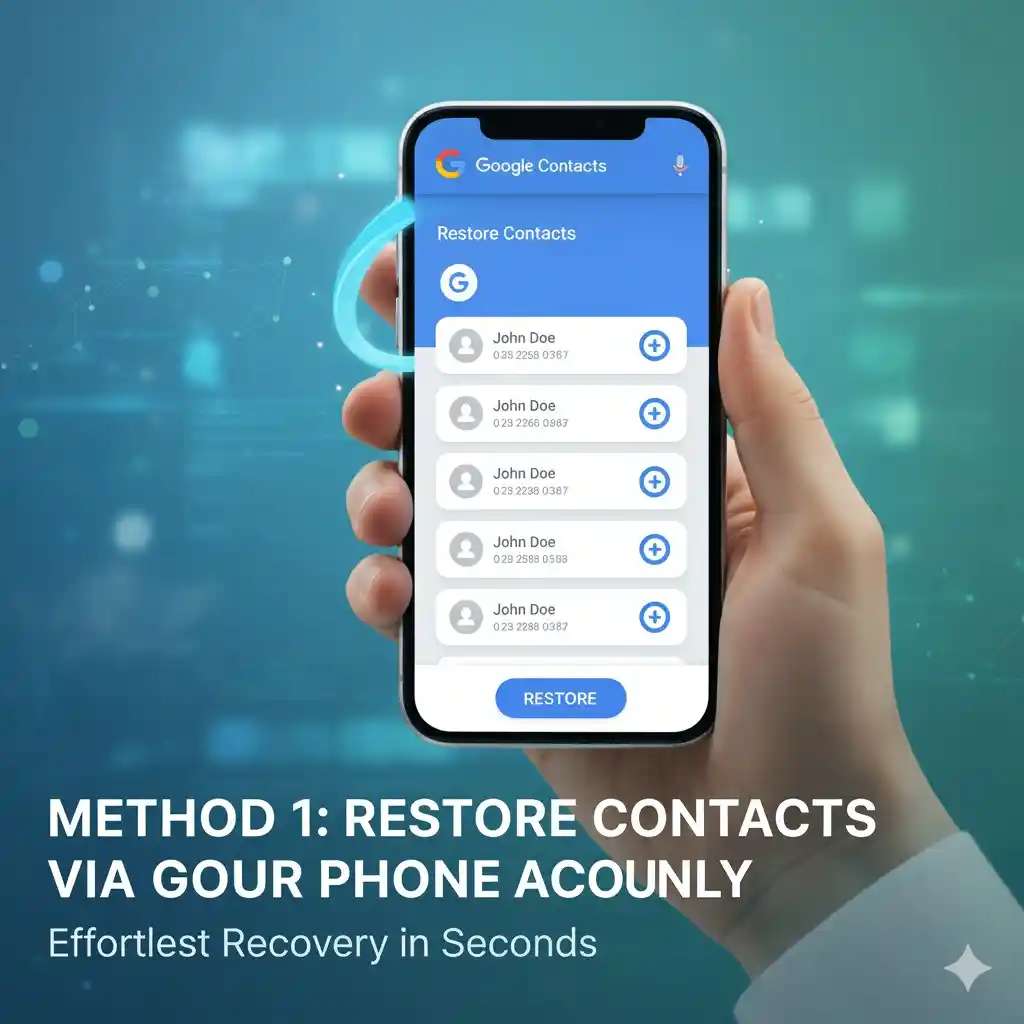
The majority of Android users automatically save contacts to their Google accounts automatically. If this is the case with you, recovery is easy.
- Go to the Settings application on your smartphone.
- Scroll until you reach Google and then click Setup & Restore.
- Tap Restore Contacts.
- Select the account you would like to recover from.
- Make sure to confirm and keep an eye on contacts until they appear again.
I tried it on my phone, and within a few minutes the numbers that were lost showed up.
Visual Tip: A screenshot of the Google settings showing the "Restore Contacts" option would clarify this process.
Method 2: Check Your SIM Card
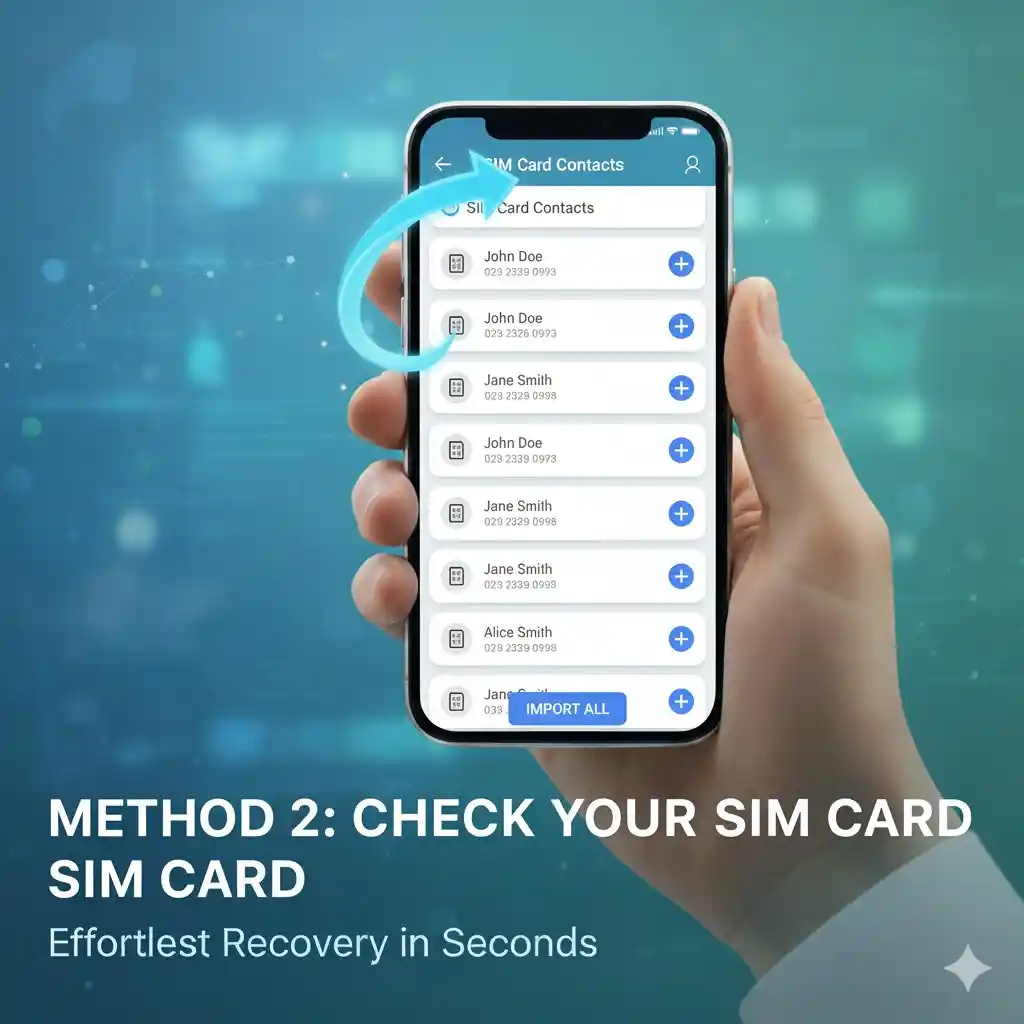
Sometimes, you can find contacts stored on the SIM card. To check:
- Start the Contacts application.
- Navigate to Settings > Import/Export contacts.
- Select Import from your SIM card.
- Choose the numbers you want to restore.
This technique worked for me, when I believed I'd lost a number of my old friend. However, it turned out that it was in my SIM.
Visual Tip: A screenshot of the Contacts app import settings would help illustrate this step.
Method 3: Use Google Contacts Website
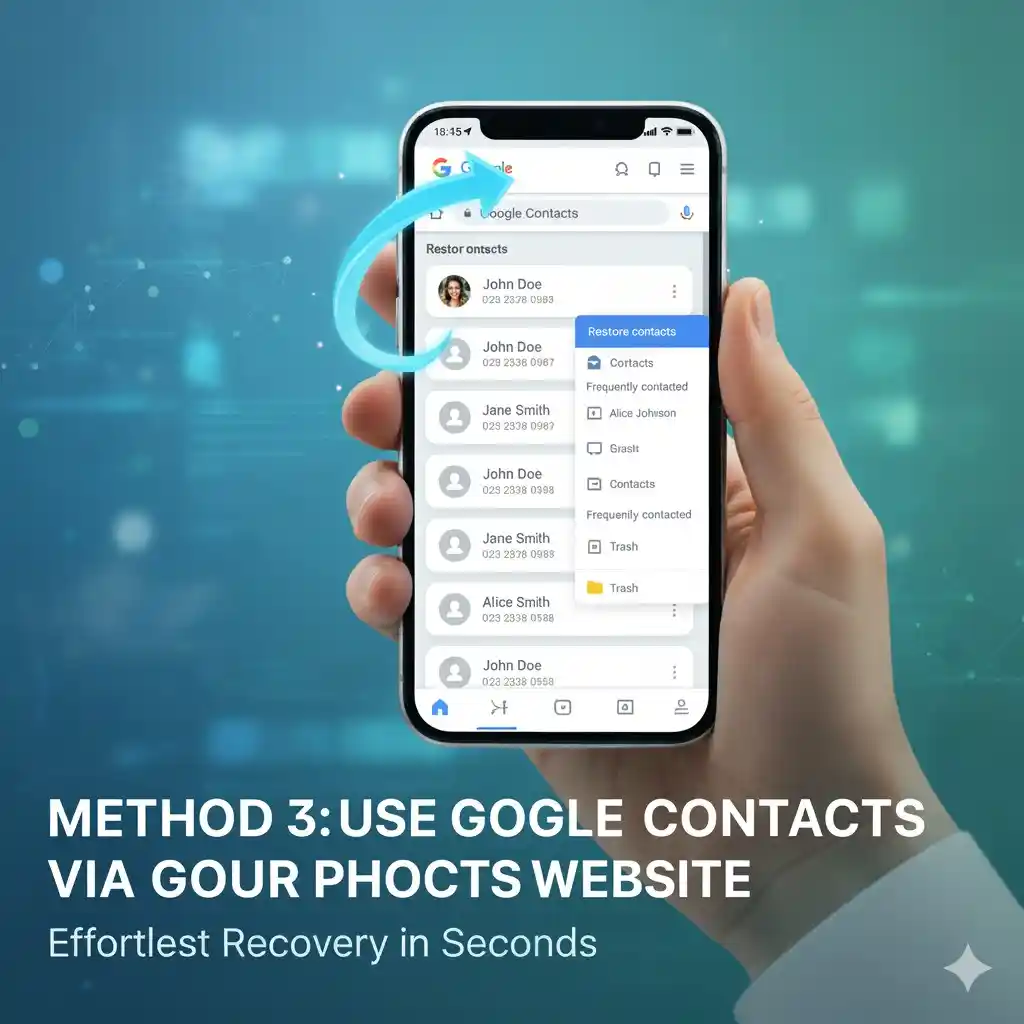
If syncing is enabled then your contact information is stored on the internet.
- Go to contacts.google.com using a browser.
- Log in with that same Google account you have for your Android phone.
- Search or browse for the deleted number.
- If you can find it, click Restore and sync it back with your mobile.
The most exciting aspect: You can also recover contacts that were deleted in last 30 days.
Visual Tip: A screenshot of the Google Contacts website showing the restore option would be useful.
Method 4: Restore the Backup of Your Phone
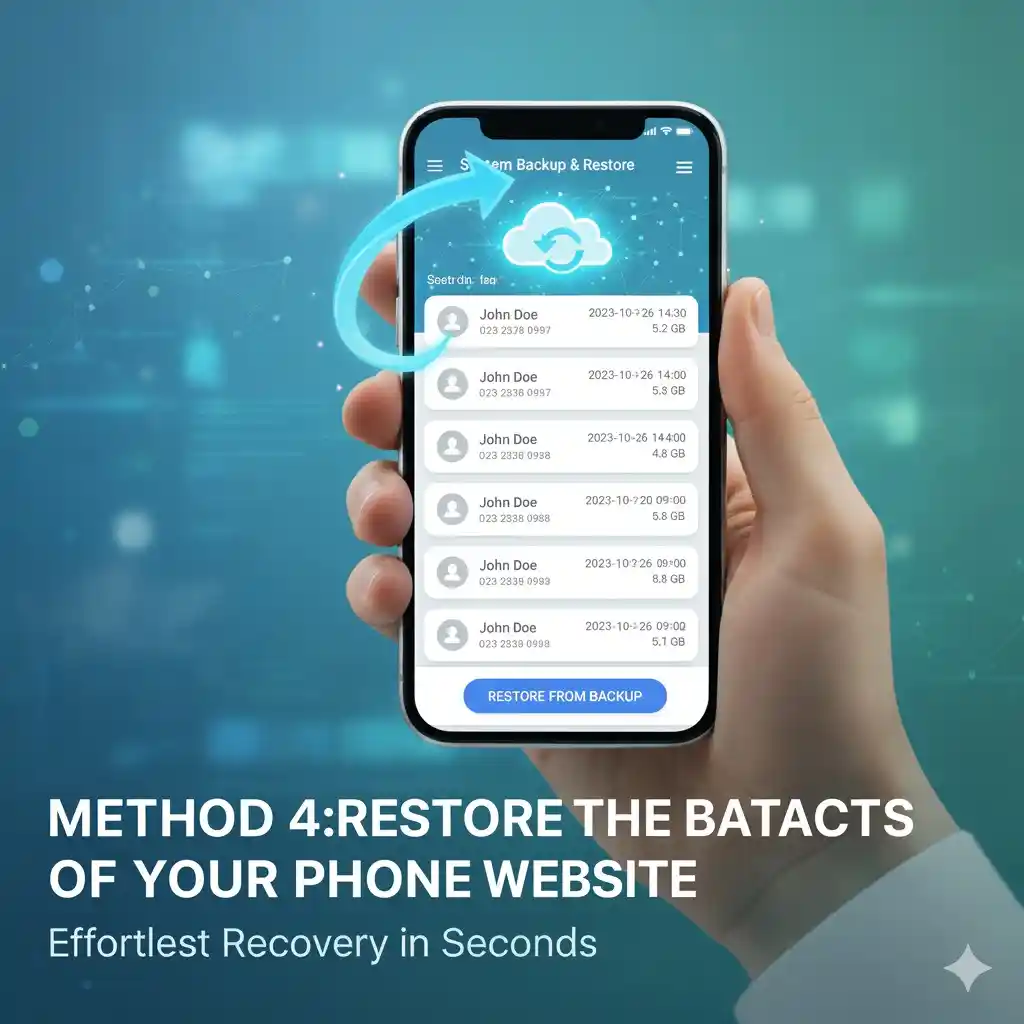
If your phone is able to create automatic backups, it is possible to recover contacts, too.
- Go to Settings > System > Backup.
- Make sure that a backup is present.
- Restore data to get back deleted contacts.
It might take a while however it's a good idea when nothing else is working.
Visual Tip: A screenshot of the Backup settings would make this process clearer.
Method 5: Third-Party Apps (Last Option)
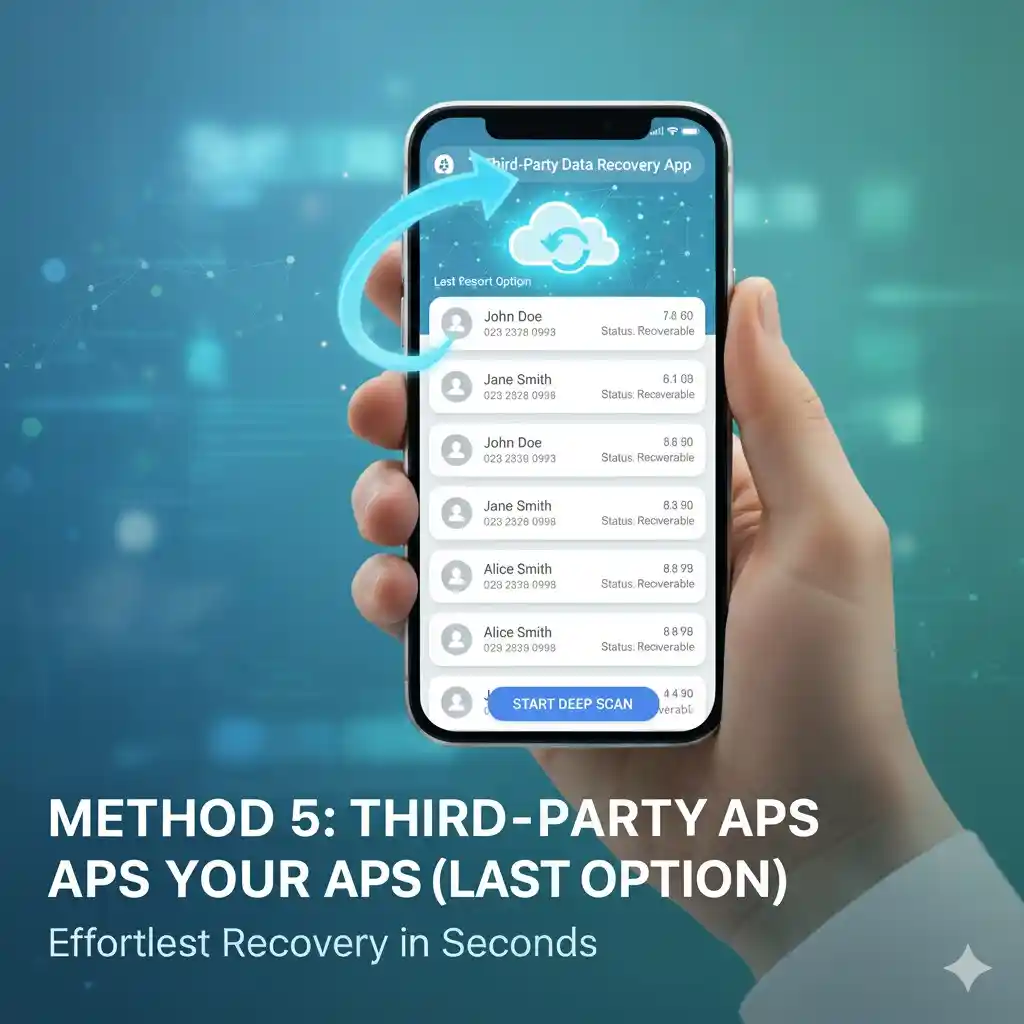
There are recovery applications available in the Play Store, but I recommend using them only when the built-in methods don't work. Make sure to choose reputable apps that have positive reviews to avoid security risks.
Visual Tip: A screenshot of a trusted recovery app from the Play Store would reassure users about selecting safe options.
FAQs
Q: Can I get my contacts back if I don't have a Google account?
A: Yes, if they're saved within the SIM cards or a local backup.
Q: How can I tell whether my contacts are saved in Google?
A: Visit contacts.google.com and verify your account after logging into your account.
Q: Can I get back contacts deleted months ago?
A: Google lets you recover in 30 days. After that, only Backups and SIM storage could assist.
Q: Is it true that reset my Android phone erase contacts?
A: Yes, unless they're synced with Google or saved to the SIM card.
Q: Can I safely utilize apps for recovery?
A: Only download from reliable sources, while the built-in methods are more secure.
Conclusion
The loss of numbers can be stressful. However, with the proper steps, you can quickly recover these numbers. It doesn't matter if it's through your Google accounts, SIM card, phone backup, or third-party apps, you have a variety of options to recover deleted contacts from your phones. If this happens again, do not panic, just follow these tips and you'll be able to get your contacts back within a matter of minutes.