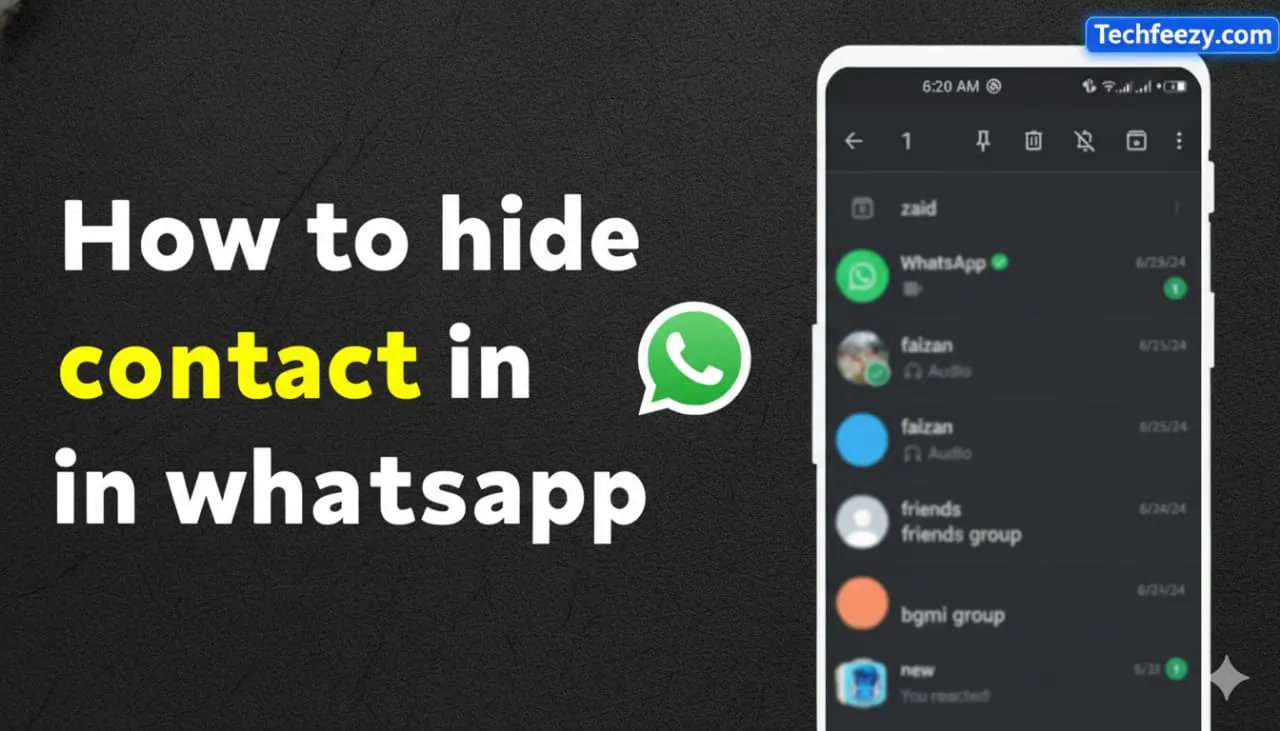
Introduction
Want to keep someone hidden on WhatsApp without deleting or blocking them? You can. I’ve tested a few simple tricks that help hide a contact so your chat stays private and your inbox looks cleaner.
Here’s what we’ll cover:
- Why you might want to hide a contact
- Step-by-step methods for Android and iPhone
- Archiving, muting, blocking, and hiding contacts
- Privacy tweaks and common questions
Let’s get started. For related tips, see our guide on how to WhatsApp without saving a number on Android.
Why You Might Want to Hide a Contact
Not every contact needs to be front and center in your chat list. Maybe it’s:
- A casual chat you don’t want to see daily
- A work contact you’d rather keep separate
- Someone who shouldn’t be deleted but you don’t want visible
Hiding a contact doesn’t delete or block them. It just moves their chat out of view, silences alerts, or keeps them from showing up in certain places.
Ways to Hide a Contact on WhatsApp
1. Archive the Chat (Android & iPhone)
The easiest way to hide a chat is by archiving it.
Android:
- Long-press the chat → tap the archive icon.
iPhone:
- Swipe left on the chat → tap Archive.
Once archived, the chat moves out of your main list. To keep it hidden even if they message again, go to Archive settings → Keep chats archived.
2. Mute the Contact
If you still want to receive messages but without notifications:
- Open the chat → tap the contact’s name → Mute notifications → choose duration (8 hours, 1 week, or Always).
You can also turn off message previews under Settings → Notifications.
I’ve used this combo—mute + archive—and it keeps the chat quiet and tucked away.
3. Block the Contact (If Needed)
Blocking stops all communication, but the chat will still be there if you want to delete it later.
How to block:
- Open the chat → tap the name → Block contact → confirm.
This hides your profile and stops messages, though you can always unblock later.
4. Hide from Share Screen (iPhone Only)
If you don’t want a contact appearing when you share photos or links:
Steps:
- Go to Settings → Siri & Search → When Sharing → turn off WhatsApp or specific contact suggestions.
This doesn’t affect WhatsApp directly but keeps them hidden from share suggestions.
5. Hide WhatsApp Contact from Your Phone’s Address Book (Android)
WhatsApp pulls contacts from your phone list. To make someone less visible:
- Move that contact to a hidden or separate group in your Contacts app.
- Use filters or visibility settings to hide that contact.
- Then open WhatsApp → Settings → Contacts → Refresh.
This won’t delete them, but they’ll disappear from your main list view.
Privacy Settings That Help
In WhatsApp, go to Settings → Account → Privacy and tweak:
- Last Seen & Online: My Contacts Except…
- Profile Photo: My Contacts Except…
- Status: Choose who can see your updates.
You can even rename a contact using an emoji or alias if you share your phone often. If you use WhatsApp Web, make sure that chat isn’t pinned or open.
Limitations to Keep in Mind
- You can’t fully hide your phone number from someone on WhatsApp.
- Archived chats might reappear if you haven’t turned on “Keep chats archived.”
- iPhone’s share-screen hiding doesn’t affect Android.
- There’s no way to be totally invisible to a contact if you still message them.
FAQ
1. How do I hide a WhatsApp contact without blocking them?
Archive and mute the chat. They’ll stay in your contacts but out of sight.
2. Will hidden contacts still see my profile?
Yes, unless you restrict visibility in Privacy settings.
3. Can hidden contacts still message me?
Yes—archiving or muting doesn’t block messages.
4. How do I hide chats from someone who uses my phone?
Archive them and enable “Keep chats archived,” or use Chat Lock (Face ID/fingerprint).
5. Can I remove someone from my WhatsApp contact list?
Not directly—hide them in your phone contacts or move them to another contact group.
Final Thoughts
If you want to keep someone out of your WhatsApp view without deleting or blocking them, the best combo is Archive + Mute + Privacy tweaks. I’ve used this setup myself—it keeps my chat list clean and quiet.
Try whichever method fits your situation, and you’ll have your WhatsApp looking just the way you want it.