
Introduction
Do you want to record WhatsApp calls easily? It's not possible to do this in WhatsApp, but there are other options using screen recorders and recording applications. In this article, I'll provide the steps to follow as well as pros and cons, legal advice, and tricks I've tried myself to create high-quality recordings.
Why WhatsApp Doesn't Have Built-in Recording
WhatsApp does not have an integrated recording feature for video or audio calls. It's due to security, privacy, and legal risks. To record WhatsApp calls, or video calls, you must utilize external tools such as the built-in screen recording app (if your phone supports it) or an application for recording calls that records the audio from VoIP sources.
Methods to Record WhatsApp Call (Voice or Video)
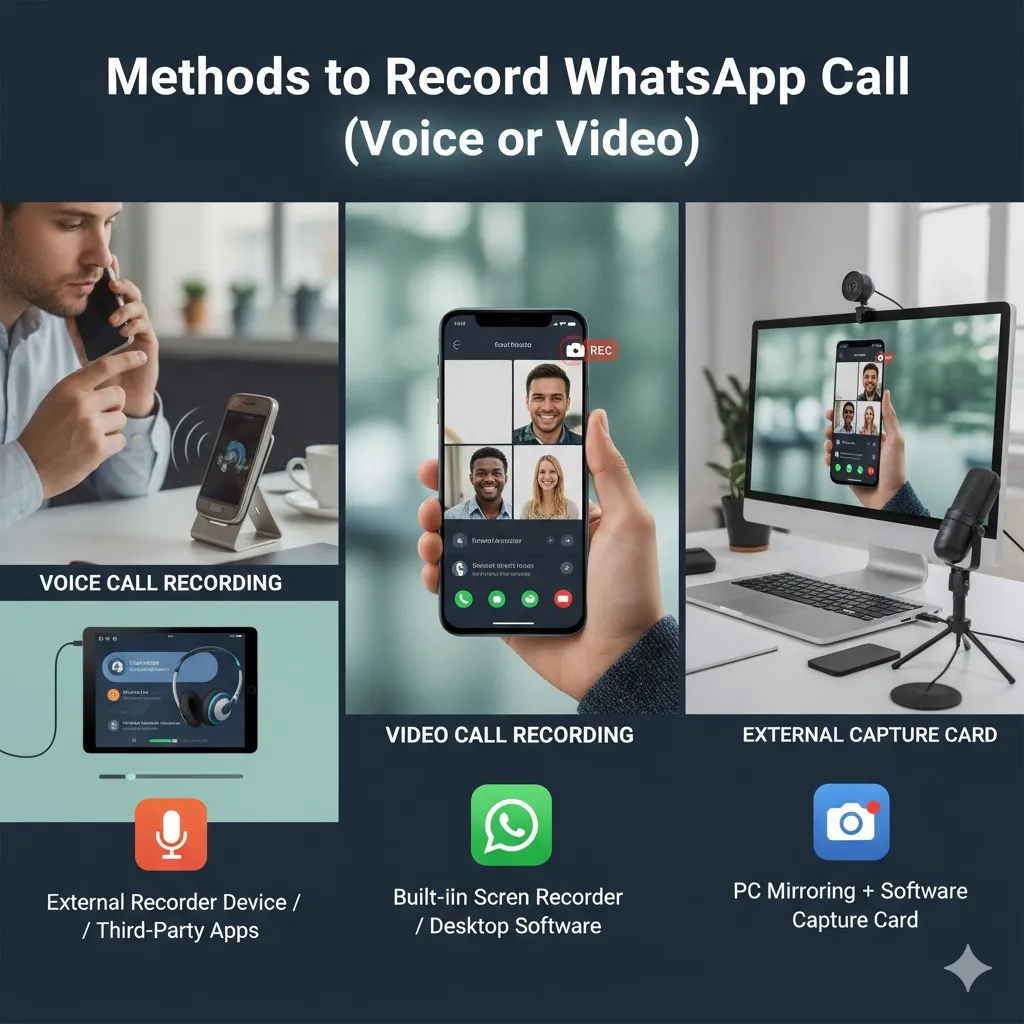
Here are some options for you to record WhatsApp calls.
Method 1: Use the Built-in Screen Recorder (Android or iOS)
Most phones nowadays come with a screen recording app integrated. This feature can be used to record audio and video (if internal audio recording is permitted).
Steps I tried:
- Begin your WhatsApp phone call (voice or video).
- Open the screen recorder of your phone via Quick Settings or the Control Center.
- Enable internal audio/microphone based on the features you require.
- Tap record. The call continues, and recording runs in the background.
- After the call has ended (or prior to), manually end the recording.
- Video (or audio) file will be displayed within your library or manager.
Limitations: On iOS, screen recording can capture video, but it often does not capture the audio of the other party. Additionally, Android may restrict internal audio for VoIP calls on certain models.
Method 2: Use a VoIP Call Recording App (Android)
Certain applications (especially for Android) allow you to record WhatsApp calls in voice (VoIP). A popular application to capture WhatsApp calls is Cube ACR.
Cube ACR supports recording WhatsApp, Telegram, Viber, and regular phone calls.
- After installing the app, grant permissions (microphone, storage, "draw over apps").
- Start WhatsApp and begin your call. Cube ACR will detect the call and begin recording automatically (if set up).
- You can also enable recording within the app during the phone call.
I have tried Cube ACR, and when I set the appropriate settings, it was able to record voices clearly on my Android phone.
Other apps: Talker ACR may also record WhatsApp calls.
Tips for Better Quality Recording
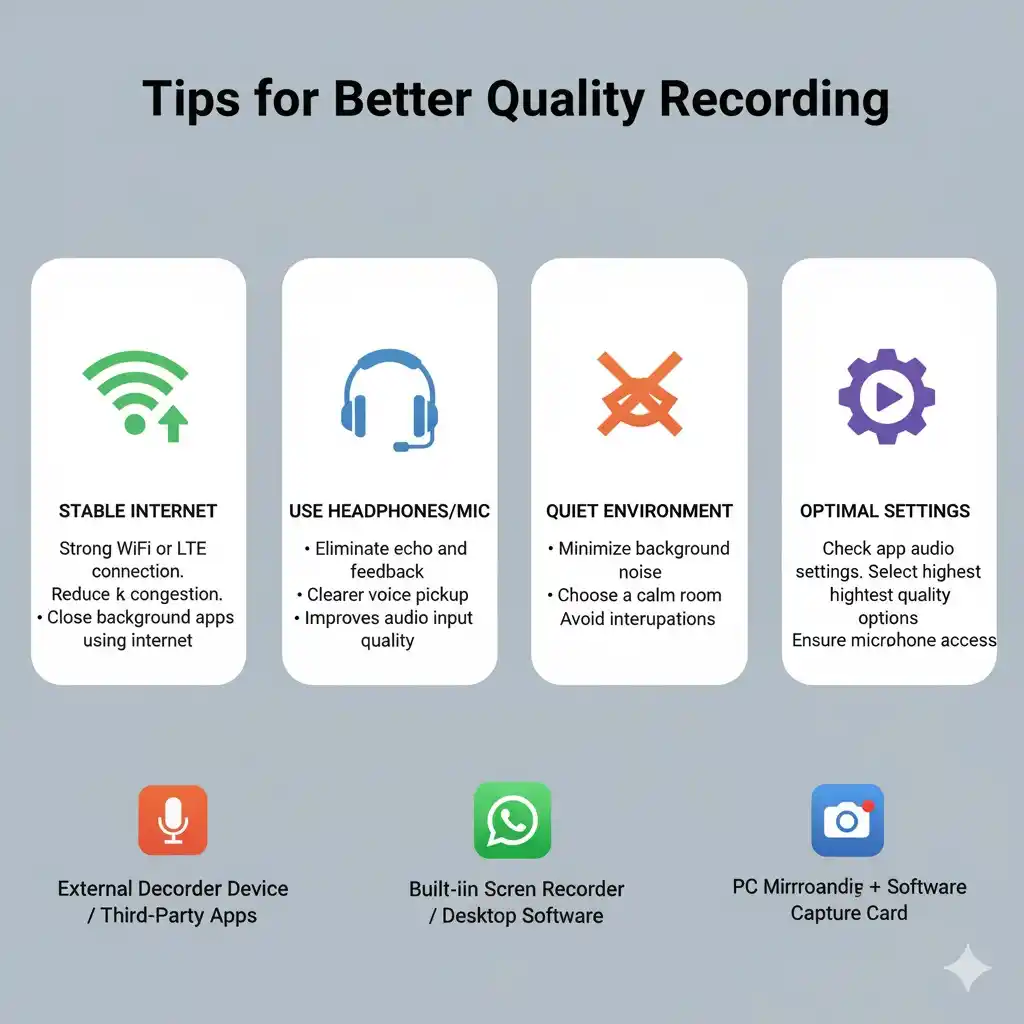
- Utilize the speaker mode or headphones to ensure that both voices are clearly heard.
- Remove background apps that cause unnecessary noise to minimize background noise.
- Make sure you have enough storage space as recordings are often large.
- Make a test call and then listen to the call again to verify the balance of the audio.
- Use apps that allow you to switch the audio source (internal, mic, mixed) for optimal results.
Legal / Privacy Considerations Before Making Call Recordings
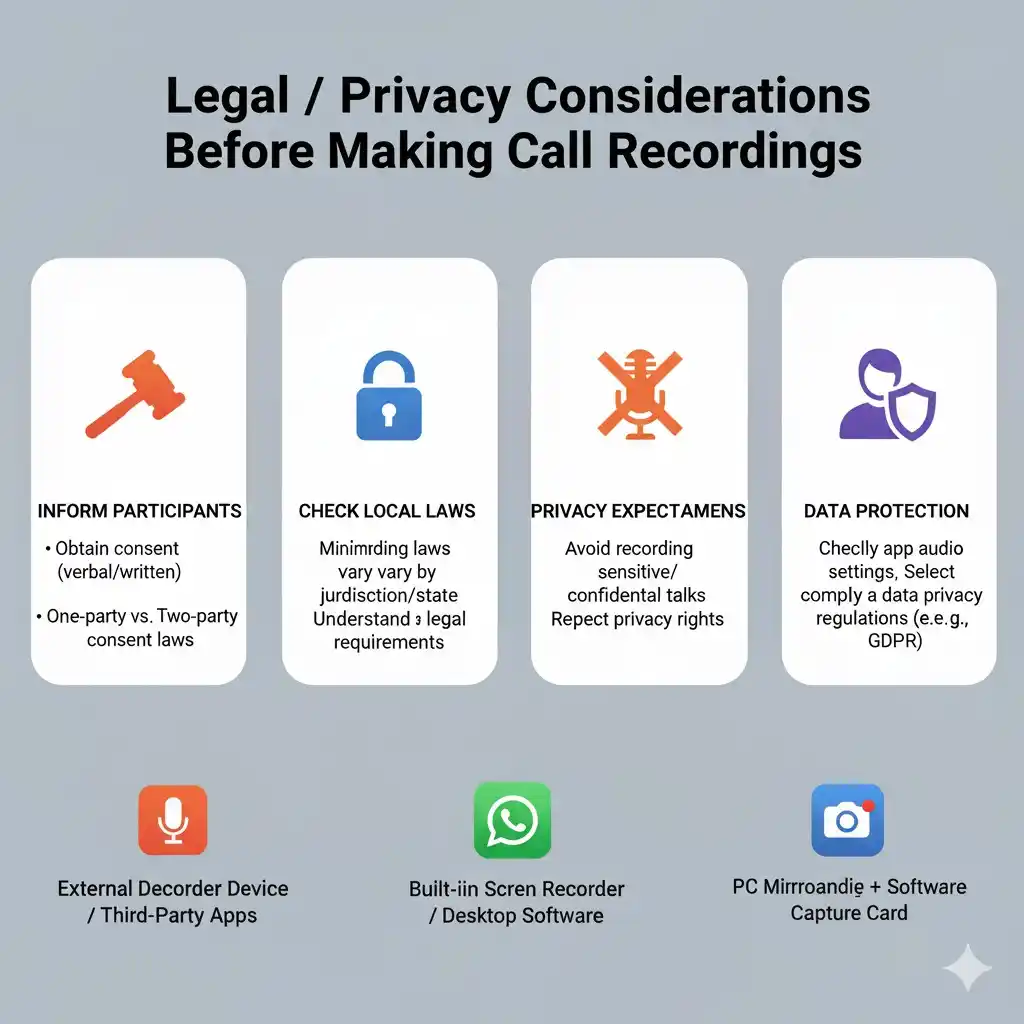
Before you record, take note:
- In India, as long as you're a participant, recording a call on your phone is usually permitted.
- Recording without permission or making recordings that defame or reveal private details could cause legal trouble.
- If you are planning to use recordings for evidence, you might have to comply with the regulations under Section 65B of the Indian Evidence Act.
- Be sure to notify the other person and, ideally, get their permission prior to recording.
Pros & Cons of Each Method
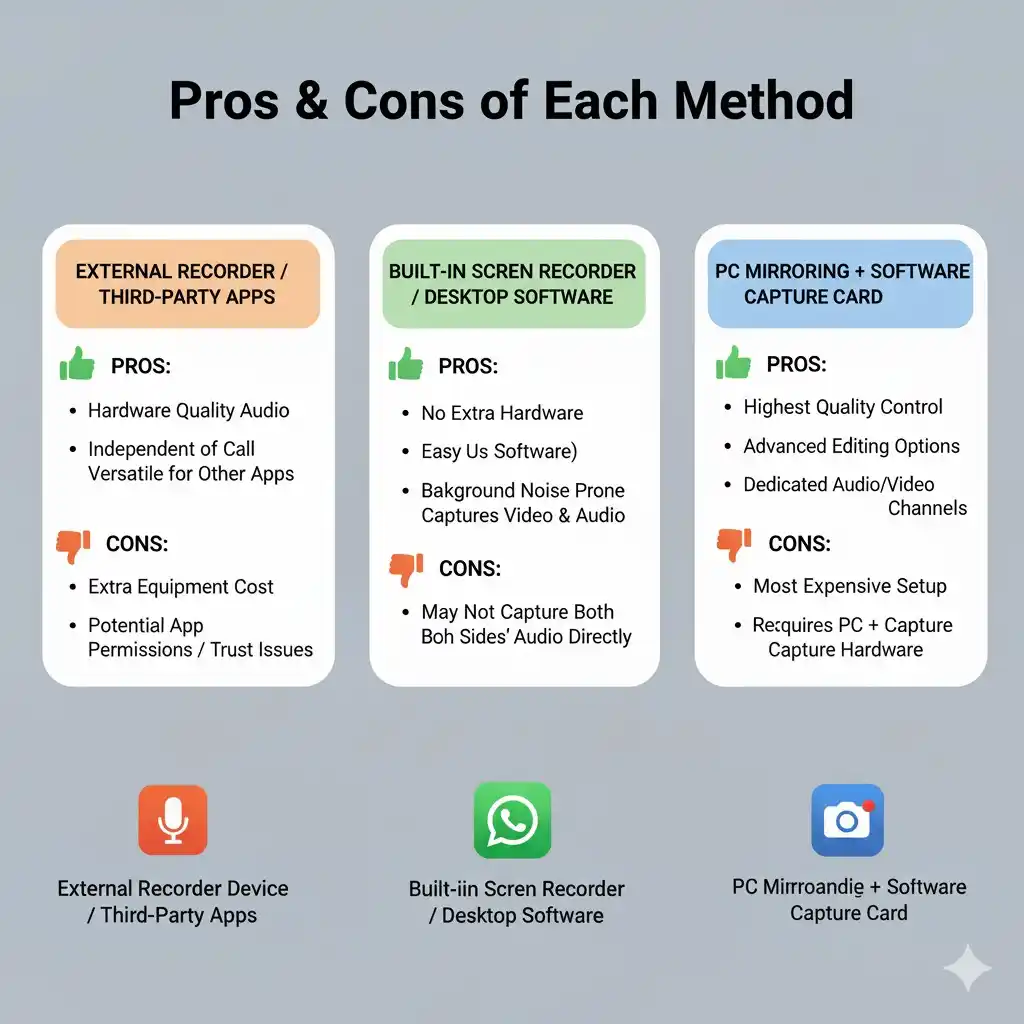
| Method | Pros | Cons |
|---|---|---|
| Built-in screen recorder | No extra app needed | On iOS, often misses remote audio; Android internal audio restrictions |
| Cube ACR (or similar) | Better voice capturing, works automatically | Requires permissions, settings tweaks; may not work on all devices |
| Other call recording apps | More features (auto, cloud backup) | Privacy risk, may require root or premium versions |
FAQ (People Also Ask)
1. Can I record WhatsApp voice calls on iPhone?
It's more difficult to do this on iPhone. Screen recording is possible; however, often the voice of the other person isn't captured. Or use a Mac + QuickTime setup.
2. Which app can record WhatsApp calls with the highest quality on Android?
Cube ACR is an excellent choice as it supports VoIP calls including WhatsApp.
3. Why is only screen recorded video but no audio?
Many phones restrict internal audio recording for apps or operating systems don't allow capturing VoIP audio.
Conclusion
Here's your complete guide on how to record WhatsApp calls. Whether using a built-in screen recorder or a specialized application like Cube ACR, you can record video or voice calls with the right setup. Make sure to adhere to legal boundaries—inform the other person and use the recording responsibly.