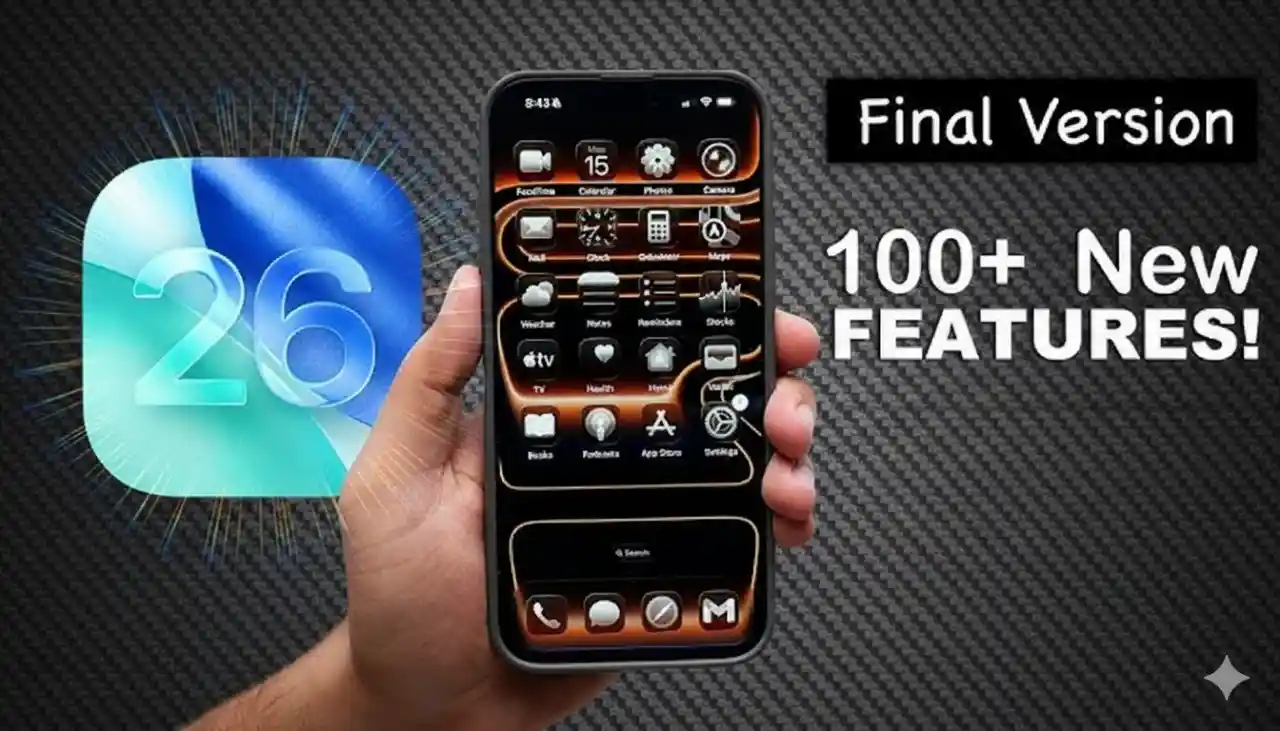
Apple's latest software release, iOS 26, dropped on September 16, 2025, bringing a wave of innovative iOS 26 features that redefine how we interact with our iPhones . From the stunning Liquid Glass design language to AI-powered tools like Live Translation and Custom Genmoji, this update packs over 450 enhancements aimed at making your device more intuitive, personalized, and secure. Whether you're a power user or just upgrading for the visuals, these iOS 26 features promise to elevate your daily experience. In this guide, we'll dive into every major new feature, explain exactly how it works, and highlight any hardware requirements—optimized for seamless iOS 26 features exploration.
The Stunning Liquid Glass Design: iOS 26's Visual Revolution
At the heart of iOS 26 features is Liquid Glass, Apple's new design paradigm that infuses the interface with fluid, translucent elements mimicking real glass—complete with reflections, refractions, and dynamic animations. This isn't just cosmetic; it makes navigation feel alive and responsive.
How it Works
Liquid Glass applies to app icons, menus, toolbars, and controls across iOS, iPadOS, macOS, and watchOS. Elements like buttons and sliders "morph" in real-time, bouncing or jiggling on interaction. For example, in Apple Music, tapping tabs creates droplet-like effects that ripple across the screen. Toggle it via Settings > Accessibility for options like Reduce Transparency or Motion to customize intensity.
Why You'll Love It: It reduces visual clutter by dynamically shrinking elements (e.g., tab bars fade while scrolling) while keeping everything accessible.
Other design tweaks include In-Place Alerts (alerts pop from the source button for faster confirmations) and Expanded Context Menus (vertical menus for text editing that slide in smoothly).
Home Screen and Lock Screen: Personalization on Steroids
iOS 26 features supercharge customization, turning your Home and Lock Screens into dynamic hubs.
Home Screen Upgrades
Tinted and Clear App Icons & Widgets
Choose light, dark, tinted, or fully clear glass looks for icons and widgets that auto-switch with Dark Mode.
How it Works: Long-press the Home Screen, tap Edit > Customize, and select tint options. For matched tints, pair with a MagSafe case—your iPhone detects and syncs colors automatically.
Dynamic Tools & Navigation: Toolbars in apps like Mail adapt fluidly, expanding only when needed.
Lock Screen Enhancements
Adaptive Time & 3D Spatial Scenes
Time repositions around wallpaper subjects, and photos gain depth effects when you tilt the device.
How it Works: Set a photo wallpaper, and the Neural Engine generates 3D layers from 2D images. Move your iPhone to see parallax motion—perfect for immersive album art that animates with music playback.
Animated Album Art: Tap music artwork on the Lock Screen for interactive visuals that blend with controls.
These iOS 26 features make your device feel uniquely yours, with easier search access at the screen's bottom in key apps.
Camera and Photos: Smarter Capture and Organization
Photography gets a major boost in iOS 26 features, from hardware-aware hints to revamped libraries.
Camera App Overhaul
Refreshed Mode Wheel & Lens Cleaning Hint
Swipe for modes; AI detects smudges and prompts cleaning.
How it Works: The wheel prioritizes Photo/Video; a pop-up appears if blur is detected pre-shot. Customize control order in Settings > Camera.
Improved Panoramas & AirPods Integration: Faster panning with less blur; use AirPods as a remote mic or shutter.
How it Works: Press the AirPods stem to snap photos or record—studio-quality audio routes directly to video.
Photos App Redesign
Tabbed Library & Collections
Separate views for easy navigation; customize layouts (e.g., larger tiles).
How it Works: Swipe tabs to switch; reorder Collections or pin favorites. Search shows video thumbnails from key frames.
Event Details & Spatial Viewing: Pull concert info (songs, scores) from photos; view as 3D scenes.
Apple Intelligence: AI-Powered iOS 26 Features
Exclusive to newer devices, Apple Intelligence brings on-device smarts to communication and creativity.
Custom Genmoji & Image Playground
Generate emojis from text/descriptions or Photos; create chat backgrounds.
How it Works: In Messages, tap the emoji button > Genmoji, describe (e.g., "smiling robot"), and edit expressions. Playground app lets you style images via prompts.
Live Translation
Real-time text/voice translation in Messages, FaceTime, and Phone.
How it Works: Incoming Messages auto-offer translation (e.g., French to English); FaceTime shows captions, Phone synthesizes speech. Download language packs first—works with Android for texts.
Visual Intelligence
Analyze screen content or screenshots for searches/adds.
How it Works: Screenshot > tap preview > use AI to Google items, add calendar events, or query ChatGPT. Scribble to focus searches.
Communication Apps: Phone, Messages, and FaceTime
Stay connected smarter with these iOS 26 features.
Phone App
Redesigned Interface & Hold Assist
One-screen view for calls/contacts; AI holds your spot.
How it Works: Scroll unified list; enable Hold Assist in Settings—get notified when the line opens, with auto-callback.
Call Screening
AI queries unknown callers pre-ring.
How it Works: Opt-in filters spam; mark as "known" without saving.
Messages
Polls, Typing Indicators, & Custom Backgrounds
Vote in groups; see ellipses; add animated themes.
How it Works: Tap + > Poll for options; backgrounds from Photos or AI (requires Contacts). Filter unknowns to a folder.
Apple Cash in Groups: Send money seamlessly.
FaceTime
Tiled Landing Page & Communication Safety
Recent callers as posters; nudity detection for kids.
How it Works: Scroll for video messages; on-device AI pauses if needed (parental controls).
Safari, Maps, and More Productivity Tools
Safari Tab Redesign
Floating bottom tabs with privacy boosts (anti-fingerprinting).
How it Works: Choose Compact/Top views; extensions now package via App Store.
Maps Preferred Routes & Visited Places
Alerts for delays; share location history.
How it Works: Learns habits, notifies proactively.
Apple Games App: Recommendations and challenges.
Preview App: Edit PDFs/images with Autofill.
Journal Multi-Journals: Separate entries with maps/drawings.
Music, Wallet, Clock, and Accessibility
AutoMix in Music: DJ-style transitions.
Enhanced Wallet Boarding Passes: Flight info integration.
Custom Snooze in Clock: 1-15 minutes.
Accessibility Wins
Braille support, motion cues for cars, share settings.
How it Works: Vehicle Motion Cues auto-activates; Braille via connected display.
CarPlay, Weather, and Tips
CarPlay Redesign: Widgets and Tapbacks for safer driving.
Weather Widgets: Destination forecasts in Smart Stack.
Tips App: Ongoing iOS 26 features tutorials.
Final Thoughts on iOS 26 Features
iOS 26 features deliver a polished, AI-infused experience that's equal parts beautiful and practical—update now to unlock Liquid Glass magic and beyond. Compatible with iPhone XS+, but Pro models get the full Apple Intelligence suite. For more, check Apple's guide. What's your favorite iOS 26 feature? Drop a comment below!