Introduction
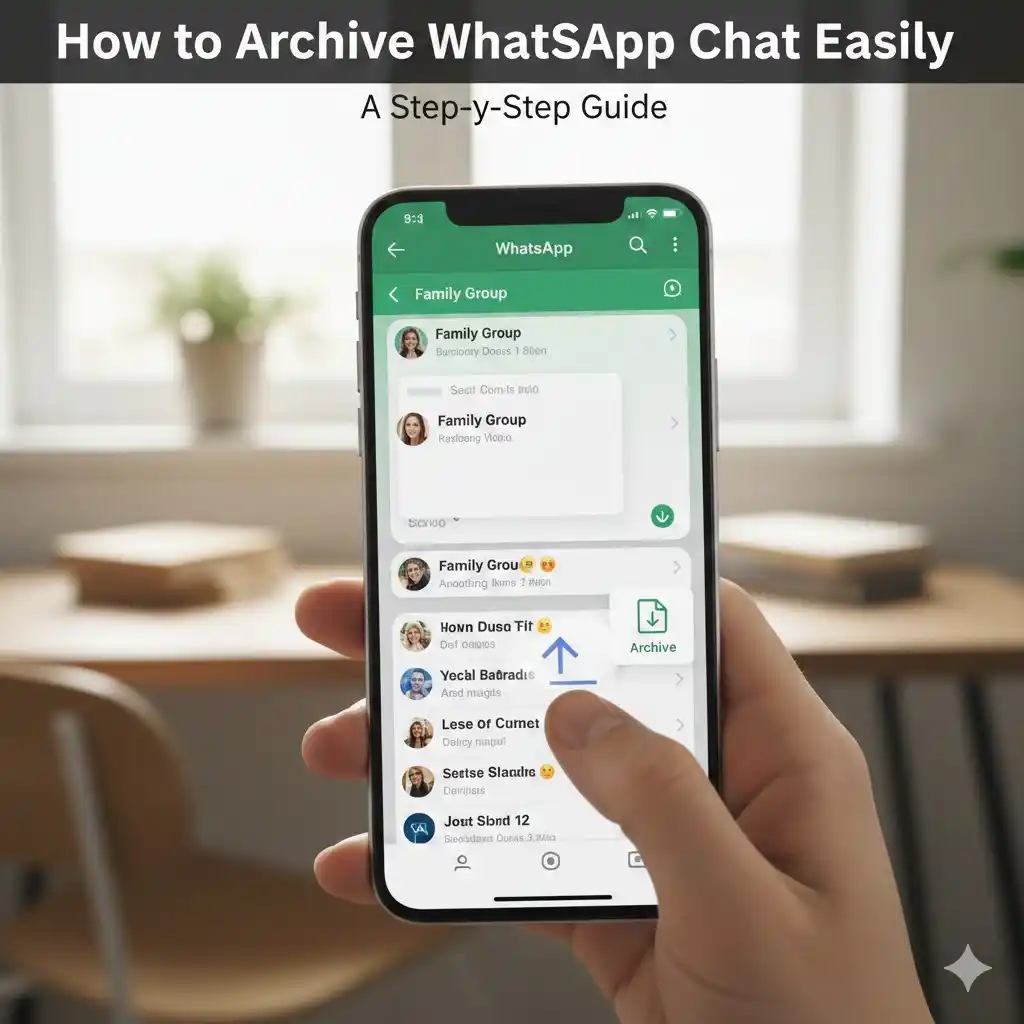
Archiving can help a lot if your WhatsApp feels messy or if you don't want some conversations to always show up in your chat list. Many people think that archiving is deleting, but it just hides chats without losing anything. When I first tried it, I was surprised how clean my screen looked within seconds. In this guide, I’ll show how to archive WhatsApp chat on Android and iPhone, how to unarchive chats, how archived group chats work, and some extra useful settings you can apply.
I'll also share small tips that I personally applied while managing chats on WhatsApp so that you can organize everything smoothly.
What Is Archiving and Why Should You Use It?
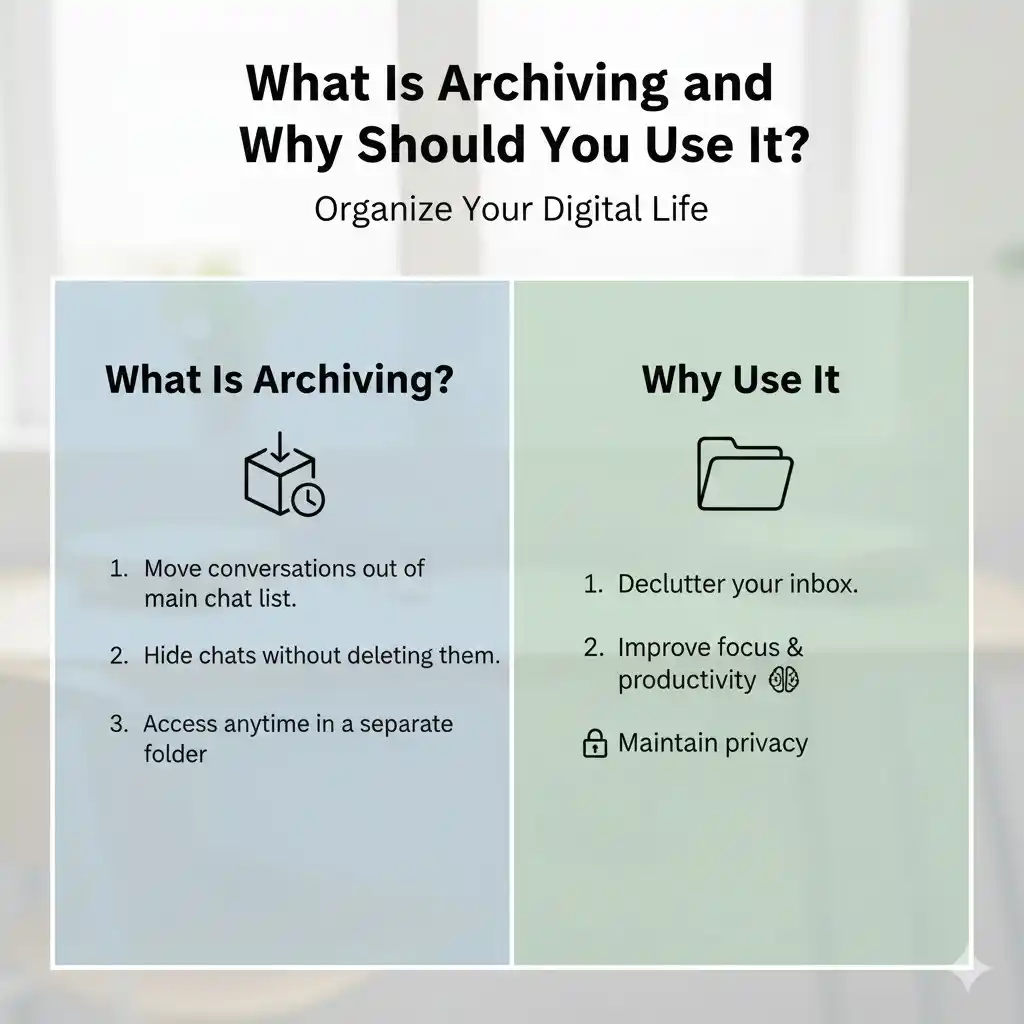
Archiving is a way of hiding conversations, to be precise. The chat relocates into an exclusive “Archived” folder and continues to be protected there.
I’ll tell you the reasons for my daily use of it:
- It makes the main screen look less messy.
- It assists in hiding chats that I do not want to open by mistake.
- When group chats are muted and archived, they can be more easily managed.
- The important conversations are still visible, whereas the less important ones are hidden.
- This option is very convenient, especially when you want private chats but do not want to delete anything.
How to Archive WhatsApp Chat (Android & iPhone)
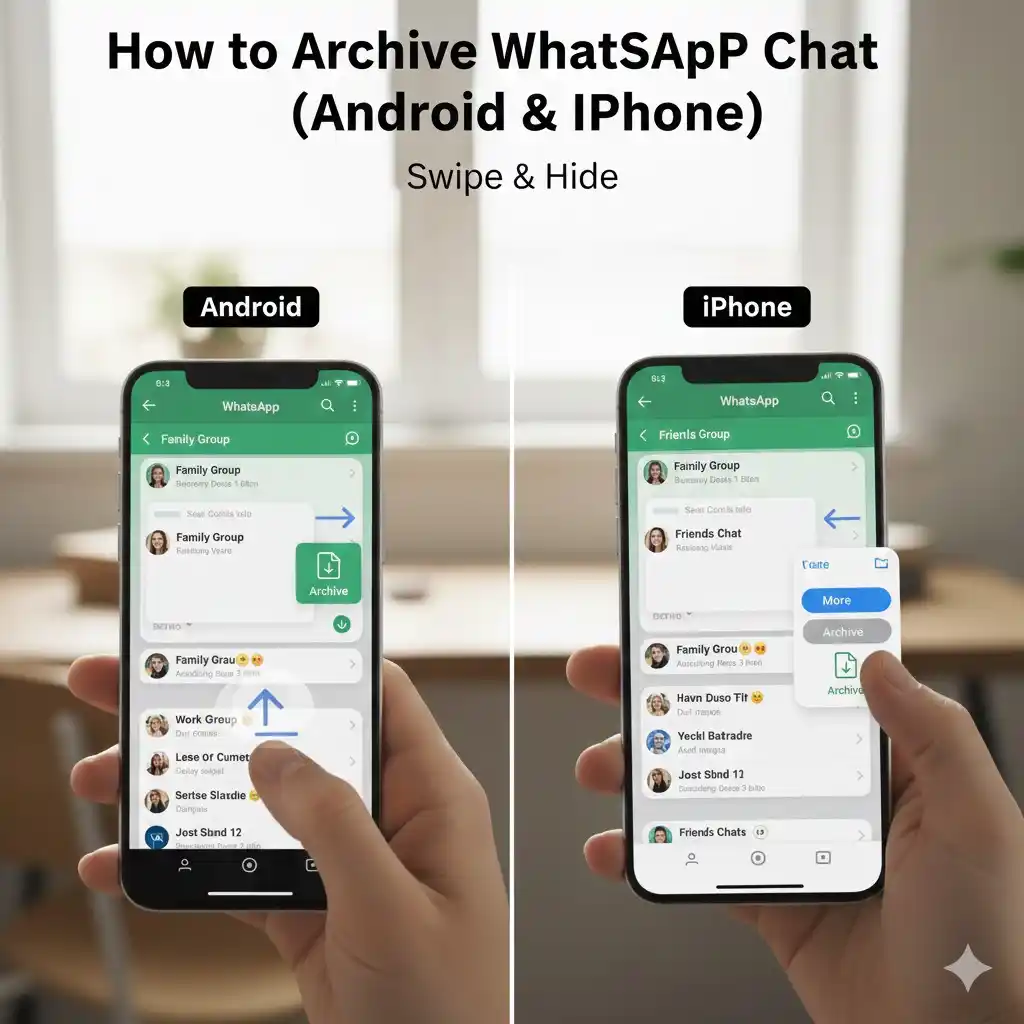
Though archiving is done differently on Android and iPhone, the methods are both extremely easy. Here are the steps to archive chats in the correct way.
1. Archive Chats on Android
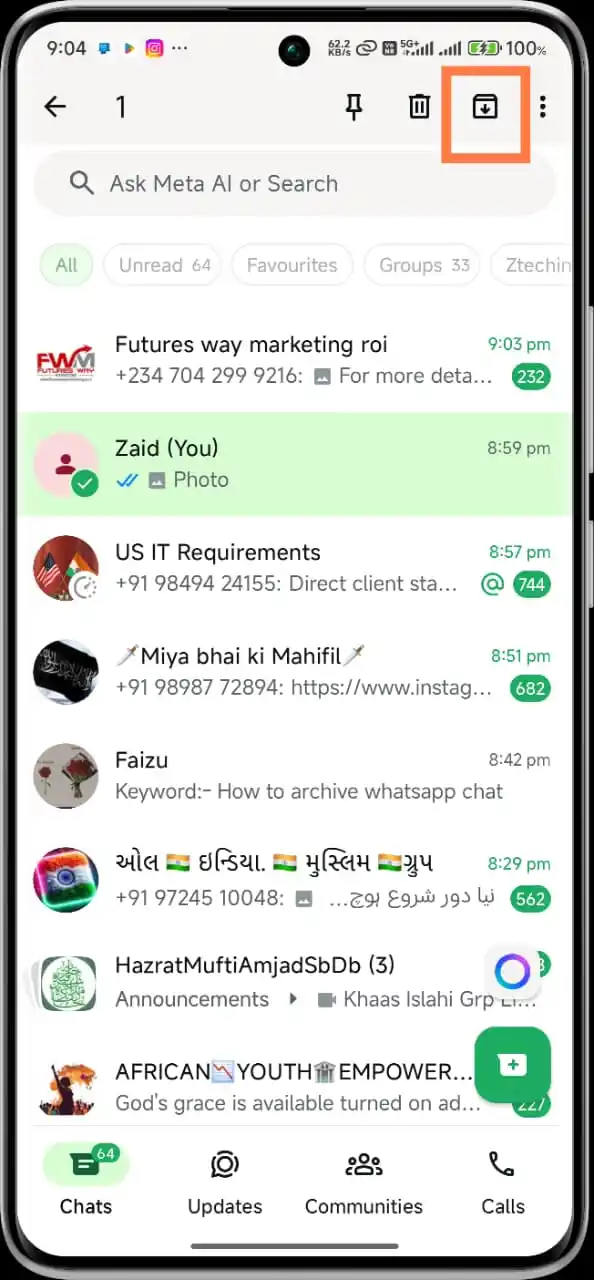
I have tested it on different Android versions that were newly installed and old ones, and the process is almost same regardless of version.
The method for archiving is as follows:
- Open WhatsApp.
- Go to the chat that you want to archive.
- Tap and hold the chat.
- You will see icons at the top—tap the Archive icon that looks like a box.
That's all. The chat no longer shows in your chat list, and a tiny popup shows up at the top verifying that it is archived.
Archive Group Chats on Android
The same procedure applies to group chats:
- Press and hold the group
- Tap the Archive icon
If the group is active, it might be a good idea to mute it before using the archive option as it will be less noticeable then.
2. Archive Chats on iPhone
On iPhone, archiving is even quicker, thanks to the swipe gesture.
The method for archiving is as follows:
- Open WhatsApp.
- Swipe to the left on the chat you want to archive.
- Tap Archive.
For my personal conversations, I use the iPhone, and it is nice to swipe for archiving as it feels very smooth.
How to Archive All WhatsApp Chats at Once
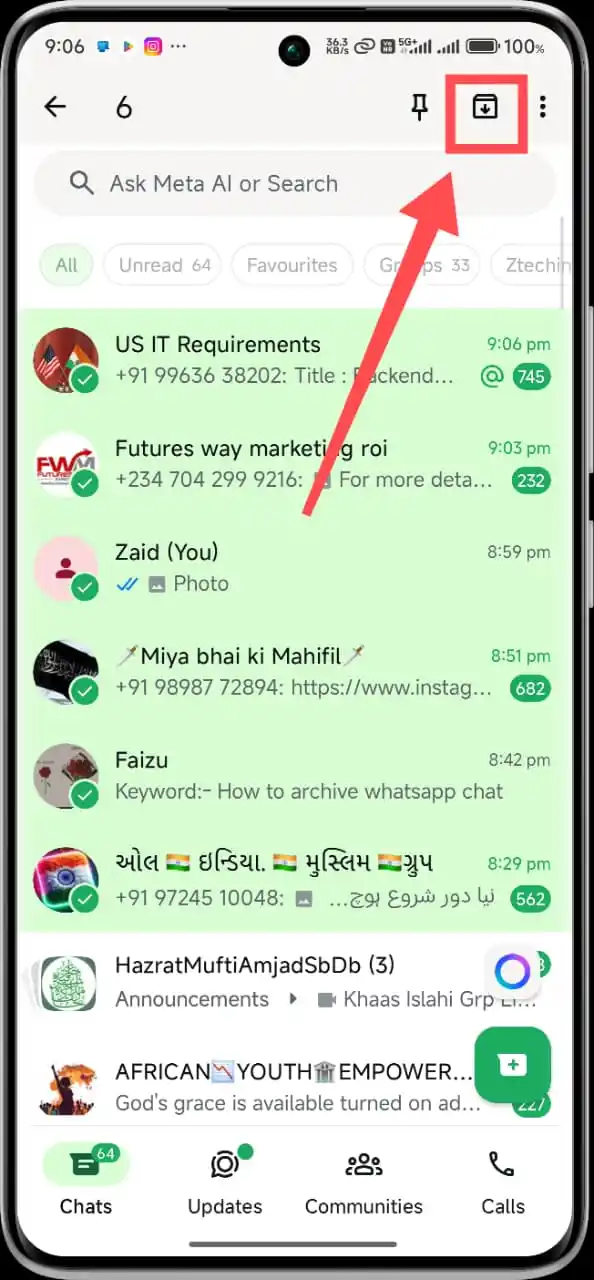
Not known to everyone, this feature is nevertheless very useful if someone wants to have a completely clear home screen.
Steps:
- Open WhatsApp.
- Press the three dots (Android) or Settings (iPhone).
- Select Chats.
- Click on Chat History.
- Opt for Archive All Chats.
This process will archive every single chat at once. It’s a great way to clear the page without actually deleting anything.
How to Unarchive WhatsApp Chats
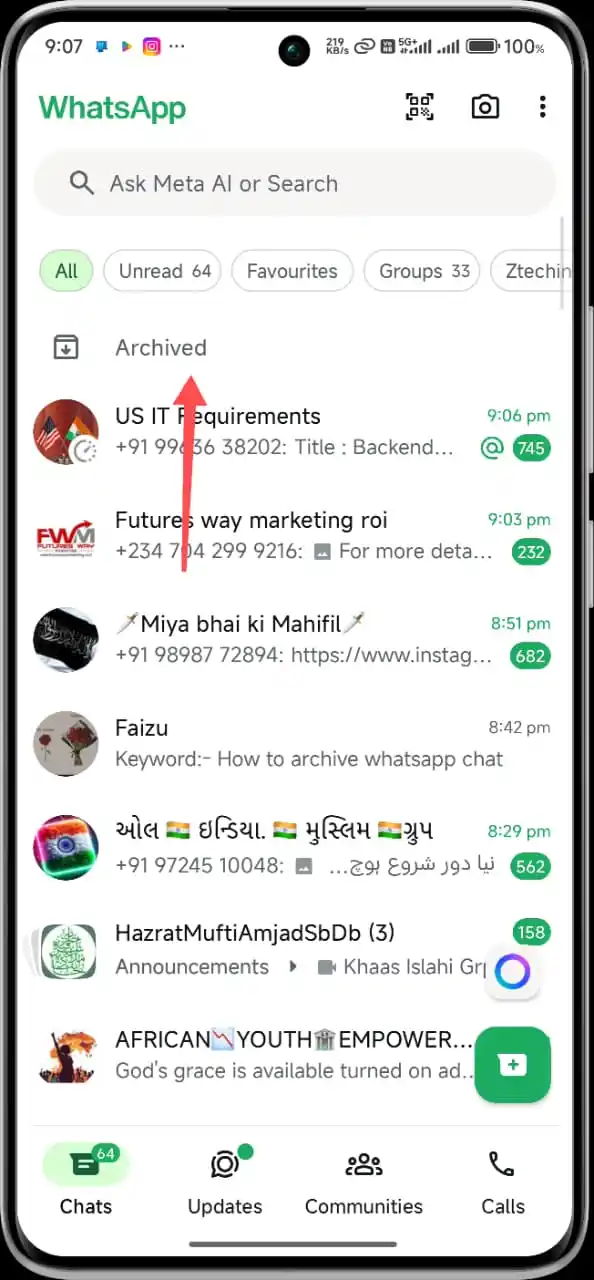
If a chat is archived, it doesn’t mean it’s gone forever. You can restore it with just one tap at any time.
Unarchive on Android:
- Scroll the chat screen to the very top.
- Select Archived.
- Long Press any chat.
- Tap the Unarchive icon.
Unarchive on iPhone:
- Drag down the chat list to show the Archived option.
- Open it.
- Move your finger left on the chat.
- Tap Unarchive.
Whenever I need an old chat again, these steps take literally 3 seconds.
Make Archived Chats Stay Hidden Forever
A setting in WhatsApp keeps archived chats invisible even if someone sends a new message.
A lot of users ignore this option, but I use it daily, particularly for silence groups and old conversation.
Steps for Android & iPhone:
- Start WhatsApp.
- Go to Settings.
- Tap on Chats.
- Set "Keep Chats Archived" to ON.
This ensures that archived chats do not reappear on the main screen.
What Happens When You Archive a Chat?
The users usually have the following doubts:
- No messages will be removed from the conversation.
- Chats will be kept in the Archived folder and cannot be read by anyone else.
- You will still be able to read the messages anytime.
- The chats that have been archived do not give notifications unless you open them.
- Group chats are also archived but remain active.
- You can easily unarchive them whenever you want.
I tried this many times because I was anxious about losing something, but it all remained safe.
How Archived Group Chats Work
Group chats behave slightly different.
When a group is archived:
- Messages are still coming normally just like before.
- The members of the group are unaware of the fact that you have archived their group.
- If you turn off “keep chats archived,” the group will be unarchived as soon as a new message is received.
- Muting + archiving is an excellent combination for crowded groups.
This is perhaps the number one tip for students, office teams, and large family groups.
Useful Tips for Better Chat Management
I applied these small habits over time, and they really make WhatsApp cleaner:
- Archive old work chatter every week.
- Keep only 5–7 active chats visible.
- Unarchive as soon as you are done with a task.
- Use "Keep Chats Archived" for long-term hidden chats.
- Mute + archive for peace.
You will see a big difference in how your WhatsApp feels.
FAQs (People Also Ask)
1. Does archiving delete WhatsApp chats?
No, archiving just hides the chat. All messages remain safe.
2. How do I permanently archive WhatsApp chat?
Enable Keep Chats Archived in WhatsApp settings.
3. Can I archive group chats?
Yes, group chats can be archived the same way as individual chats.
4. Where do archived chats go?
They move to the 'Archived' folder at the top of your chat list.
5. Will the other party know that I archived their chat?
No. Archiving is completely private.
Conclusion
WhatsApp becomes cleaner, faster, and more private once you archive. Be it to hide old conversations, silence those group chats, or simply declutter, the steps above shall help you do that with ease. Now you know how to archive WhatsApp chat, so keep your inbox organized just the way you like it.