Introduction
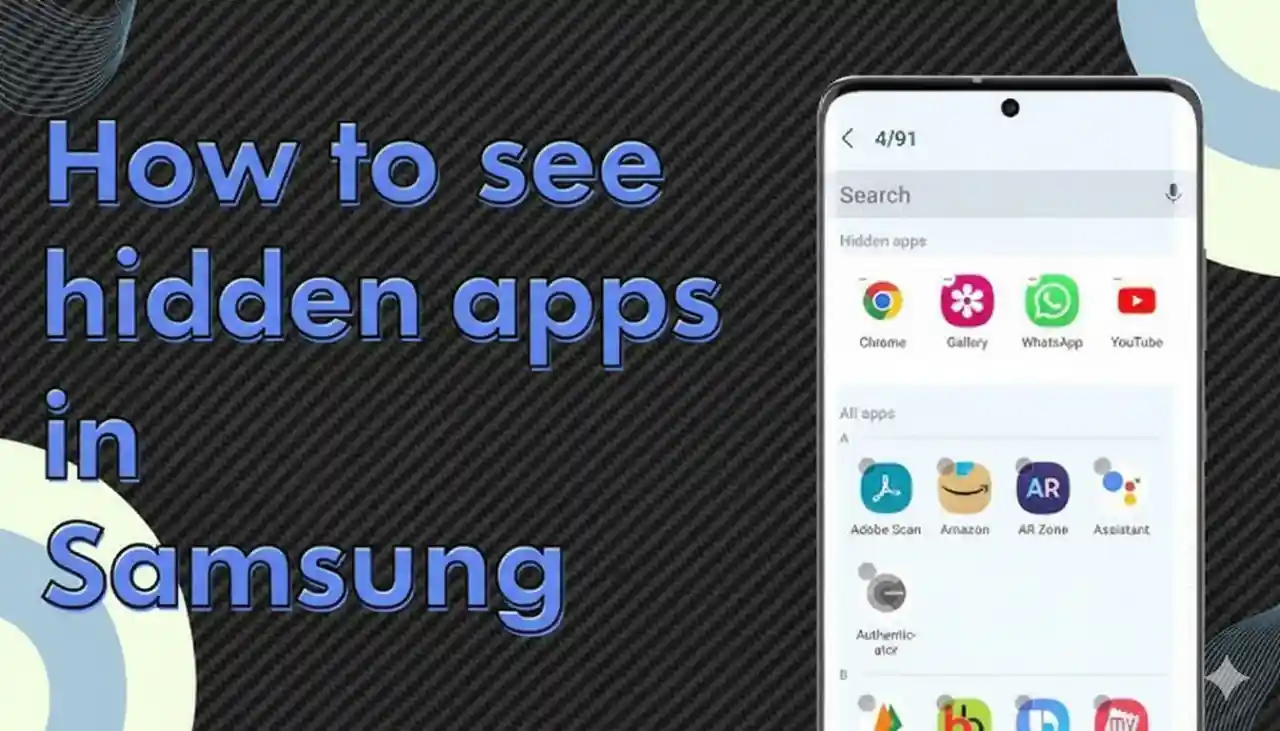
Have you ever noticed that certain applications installed on your Samsung phone are missing? But don't worry, they could be hidden and never deleted. In this article, I'll teach you how to see hidden apps in Samsung phones by following a few easy steps. I've tested these steps myself and they worked flawlessly.
We'll cover:
- Searching for hidden apps in the drawer of apps as well as the home screen
- Use Samsung Settings to unhide applications
- Examining feature of the Secure Folder
- Additional methods, including search and apps from third parties
At the end of the day, you'll be able to pinpoint exactly the location of these apps.
Methods to Find Hidden Apps on Samsung
1. Check Hidden Apps in the App Drawer
Samsung phones have an app drawer in which every installed app is stored. However, sometimes, apps do not appear in the drawer when they've been hidden.
Here's what I did:
- Swipe up on the home screen to open the app drawer.
- Press on the three dots option at the right-hand side of the screen.
- Select Settings.
- Click on the Hide apps option.
- You'll be able to see all the hidden apps that are on your Samsung phone.
- If you do find the app you're looking for, uncheck it and it will be back in the app drawer.
2. Use the Home Screen Settings
Sometimes, hidden apps are tucked away in home screen settings.
- Press long onto the home screen.
- Tap Home Screen Settings.
- Select Hide apps on Home and Apps screens.
- The hidden apps will be available here.
I did this with the Samsung Galaxy device, and within minutes I was able to find apps that I had completely forgotten about.
3. Search Directly Using the Finder
Instead of trawling through settings, it is better to simply look up.
Steps:
- Swipe down on the home screen.
- Input the name of the app into the Search bar of the Finder.
- If the application is not visible, Samsung Finder will still display it.
This trick helped me once when I couldn't locate any finance apps in my app drawer, but I found it immediately using Finder.
4. Check the Secure Folder
Samsung comes with an inbuilt Secure Folder to ensure that private files and apps safe. If you or anyone else has hidden applications here, they won't appear in any other location.
To check:
- Go to your settings app of the Samsung phone.
- Scroll to Biometrics and Security.
- Tap Secure Folder.
- Input your password or PIN.
- The apps in the Secure Folder are hidden from the normal view. If you'd like to see them again, you can move them out of the folder.
5. Check Settings - Apps
Another easy way I discovered is to check setting for all the apps that are installed in the phone.
- Start your Setting app from the Samsung phone.
- Go to Apps.
- You'll find every app installed, including hidden ones.
- From there, you can control permissions and uninstall apps, or bring back apps to the main screen.
6. Use File Manager or My Files
Sometimes, apps can leave data behind even when they're hidden. You can track them using My Files app or any other file manager.
- Open My Files.
- Verify the folders of installed apps.
- There may be files or data related to hidden apps.
This method is great when you need to check whether apps are installed in your smartphone or not.
7. Try Google Play Store or Galaxy Store
If you're uncertain whether an app is uninstalled or removed, using Google's Play Store can assist.
- Open Google Play Store.
- Tap your profile picture > Manage apps & device > Manage.
- Check for the app on the list. If it shows "Installed" then it's present on your device (maybe it's hidden).
- You can also search on the Galaxy Store for Samsung-specific applications.
8. Third-Party Apps
There are third-party safe apps such as Nova Launcher or hidden app detectors which can uncover hidden apps. I tried one and it showed apps that weren't visible in the app drawer.
However, be cautious, make sure you download only from trusted sources such as Play Store or Galaxy Store.
FAQs
1. How do I unhide applications in Samsung phones?
Navigate to the Settings of the app drawer and then go to hide apps, uncheck the apps that you want to unhide from the drawer.
2. Do hidden applications still run in background?
Yes, hidden apps will run, unless you disable them by going to settings > apps.
3. Are hidden apps similar to uninstalled apps?
The hidden apps remain installed but aren't appear. The apps that are uninstalled are removed completely.
4. How do I find apps in Secure Folder?
Log in to settings > biometrics and security > secure folder and log in.
5. Does every Samsung phones come with the ability to hide apps?
The majority of modern Samsung phones that have One UI come with it. Older models may not.
Conclusion
Finding hidden applications on your Samsung phone isn't that difficult when it's clear where you should search. Whether it's on app drawer, home screen settings, a secure folder, as well as Samsung settings, it's possible to find these apps in just a few minutes.
If you're stuck, follow these steps, and you'll quickly discover how to see hidden apps in Samsung without any hassle.