
Why Is My iPhone Not Ringing? What to do
If you're thinking why is my iPhone not ringing, you're not alone. I've had this issue myself as my phone went silent during phone calls. In this post, I'll take you through the various methods to look for the problem—settings, hardware, and software. We'll also highlight a specific issue on newer iPhones, such as iPhone 17 Pro.
You'll learn:
- How can you check the ringer volume as well as silent switch and Do Not Disturb
- Whether Bluetooth or accessories are interfering
- There are software bugs, as well as iOS updates that may silence calls
- When can we that it's a hardware problem
Check the Mute/Silent Switch & Ringer Volume
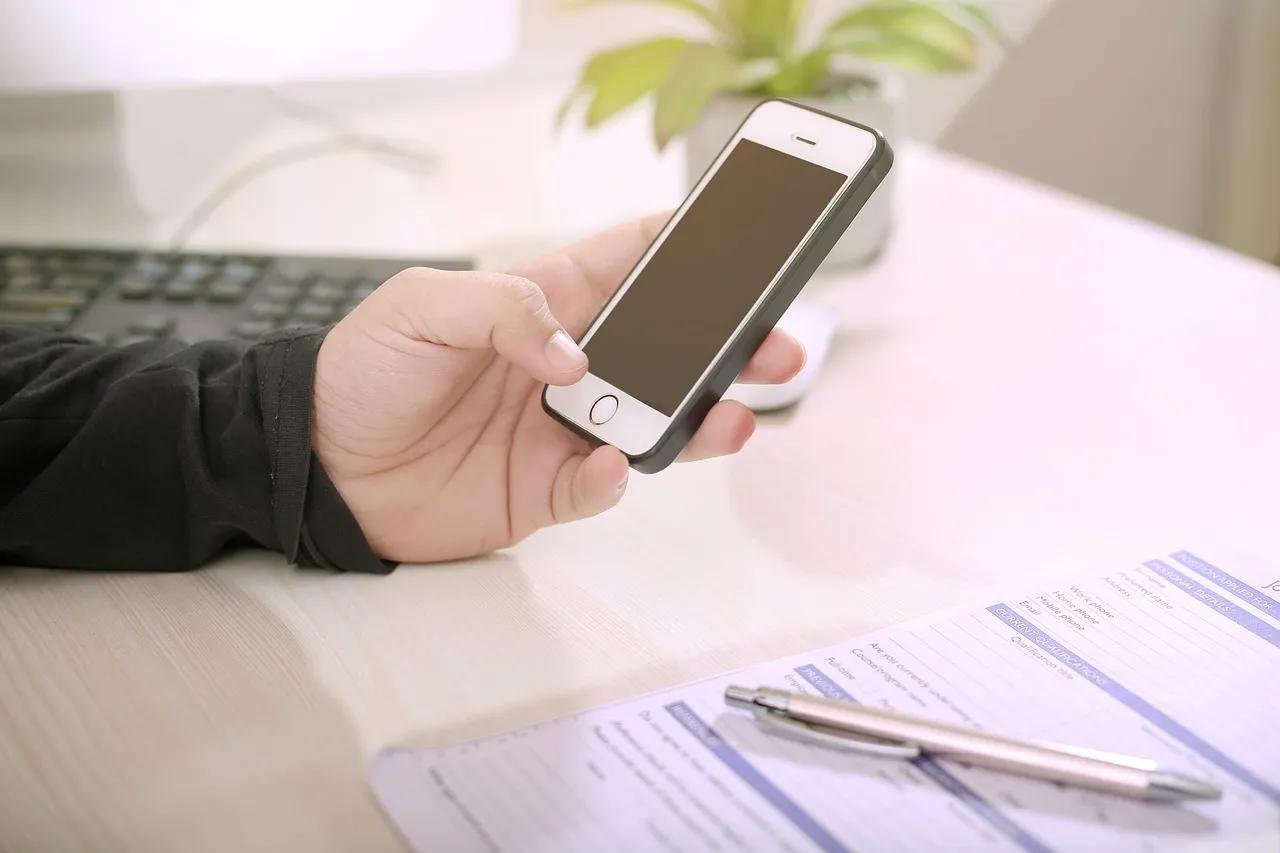
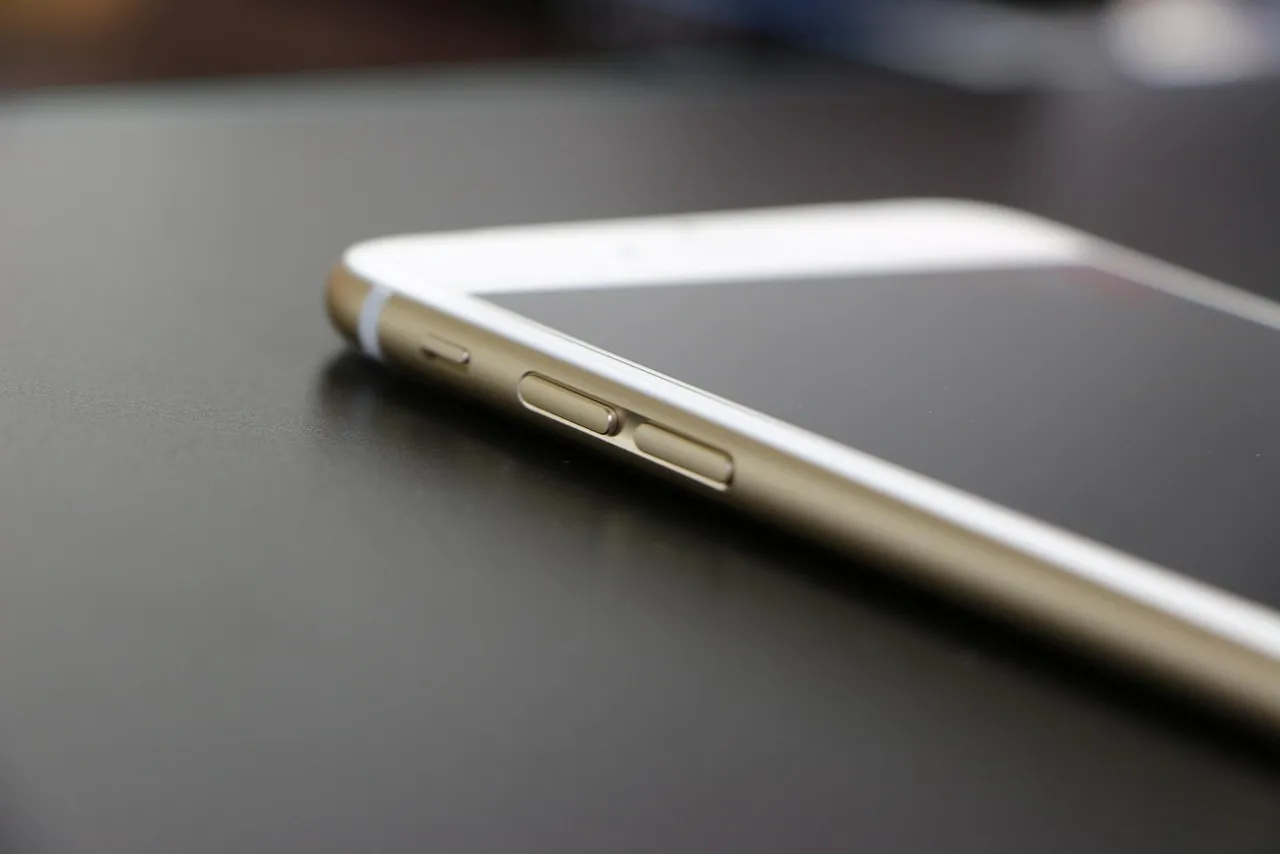
The first step is to take a look at the side of the iPhone. If you notice that the mute switch (above the volume buttons) is turned to the back, then your phone is silent and won't sound. I've tried switching this switch multiple times when my iPhone wasn't ringing, and it brought the ringtone back immediately.
Then press the Volume up switch located on the left side to increase the alerts and ringer volume. Go to the Settings > Sound and Haptics > Ringers and alerts, and ensure that it's not muted or turned off. Also, turn off Change with Buttons if you want consistent volume.
Turn Off Do Not Disturb / Focus Mode

Do not disturb (or Focus) is the most frequent reason that incoming calls do not ring. If your iPhone is in Focus Mode, it suppresses all alerts and calls. To disable it:
- Swipe down from the top right corner to open Control Center.
- Tap the Focus / Do Not Disturb icon to disable it.
- Also check in Settings > Focus to see scheduled Focus rules.
I once had calls not ringing at night because I had enabled a "Sleep" Focus schedule without realizing.
Check Bluetooth or Headphone Mode
Sometimes, your iPhone thinks that it's connected to a Bluetooth audio device or headset—even when it's not. If this happens, the ringtone may play on the device instead of the iPhone speaker.
- Click Settings > Bluetooth and disconnect any devices.
- Or, turn Bluetooth off for few minutes.
- Also, make sure that your phone isn't stuck on headphone mode (e.g. phantom jack connection).
Silence Unknown Callers & Blocked Numbers
If Silence Unknown Callers is turned on, the calls coming from unknown numbers that are routed to voicemail, with no ringing. To fix this:
- Open Settings > Phone > Silence Unknown Callers and turn it off.
- Also, check if a number is blocked accidentally: Settings > Phone > Blocked Contacts.
Verify Your Ringtone & Notification Settings
If you've assigned a custom ringtone to a contact, and that ringtone is missing or corrupted, phone calls from that contact may not ring.
- Click on settings > sounds and Haptics > Ringtone and select a new default tone.
- Reassign a known good ringtone to individual contacts if needed.
I once had an iPhone that wouldn't ring for one person, then i got know that the custom ringtone which was created for him was deleted by mistake, and the phone silently ignored their calls.
Restart iPhone & Toggle Airplane Mode
Restarting often clears minor bugs. Press the side button and the volume up/down button until the power slider is visible. Turn it off and back on.
Try switching Airplane Mode on and off: open Control Center and click the plane icon, hold for 10 seconds, and tap again. This resets network and audio paths.
Reset Network or All Settings
If your software seems to be not functioning properly, Reset settings:
- Settings > General > Transfer or Reset iPhone > Reset > Reset Network Settings
- Or you can do Reset All Settings (this keeps your data but resets your preferences)
I have resolved a problem of silent calls through resetting the network settings after an iOS update broke my carrier settings.
Watch for iOS Bugs, Especially on New iPhones
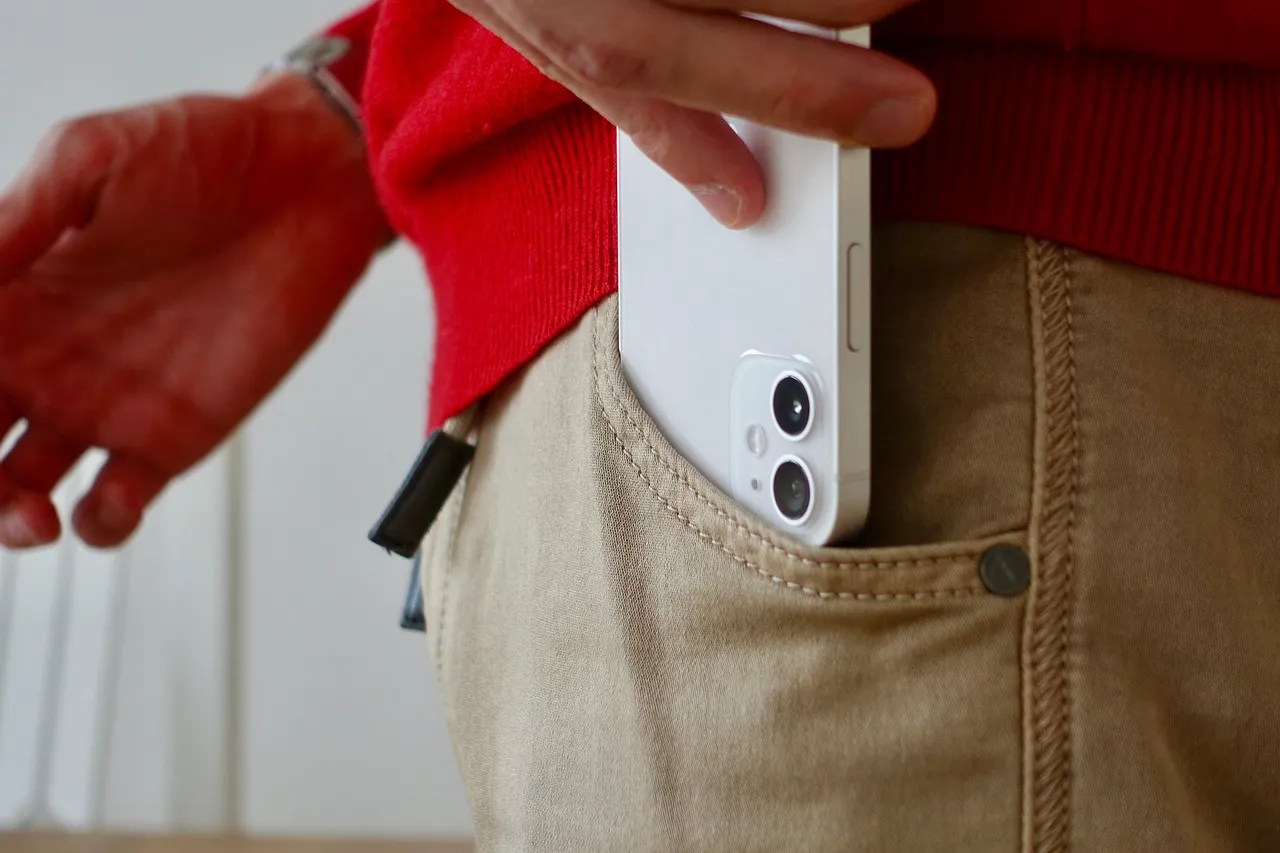
Some iPhone users have reported that after upgrading iOS, sometimes the phone stops ringing, even though calls show up.
In iPhone 17 Pro and Pro Max, some users say that some calls don't ring because of connectivity or system bugs. Apple has rolled out updates to fix Wi-Fi/Bluetooth bugs on 17 series.
If your phone is among those, ensure that iOS is updated (Settings > General > Software Update).
Hardware Issues to Consider
If none of these software fixes are working, it could be a hardware issue:
- It is possible that the speaker might be damaged. Play music and video to determine if the sound is working.
- The muted switch could be damaged or stuck.
- The volume button mechanism might fail.
If you've done everything but you still don't hear a ring, Contact Apple Support or visit an authorized repair center.
FAQ
Why is my iPhone not ringing for messages?
Same reasons: silent mode, Focus mode, volume settings or notifications disabled for messages.
Can AirPlay make my iPhone not ring?
Yes, if it's streaming audio, the ringtone may route to another device instead.
Does iOS updates be able to fix ringing issues?
Yes, bugs get patched via updates, especially on the latest models, like the iPhone 17.
Do blocked numbers ring?
No, the phone ignores calls from blocked contacts.
Why do phone calls coming from unknown numbers ring silently?
Since the Silence Unknown Callers may be turned on.
Conclusion
If you've ever wondered why my iPhone is not ringing, start with checking the mute switch and ringer volume. Then check Do Not Disturb (DND), Bluetooth connections, Silence Unknown Callers, as well as your Ringtone settings. If you suspect that bugs are the cause of the problem (especially for iPhone 17 Pro), make sure you update iOS or reset the settings. If all else fails, then it is possible that hardware is the cause.
Follow these steps with care—I did it—and one of them typically will restore your ringtone, and let you answer your phone without losing the ringtones.
Sources
- Apple Community Discussion on iPhone Not Ringing
- Lifewire: Fix iPhone Not Ringing
- Reddit: iPhone Not Ringing Since iOS 18.1
- Asurion: Fix iPhone Not Ringing
- Dialpad: Reasons Why Your iPhone May Not Ring
- Syncios: Fix iPhone 6s Not Ringing
- Mac Help: iPhone Not Ringing After Update
- JustAnswer: No Sound on iPhone
- RedPocket: iPhone Not Ringing
- Apple Community: iPhone Ringing Issue
- Apple Community: iPhone Not Ringing